






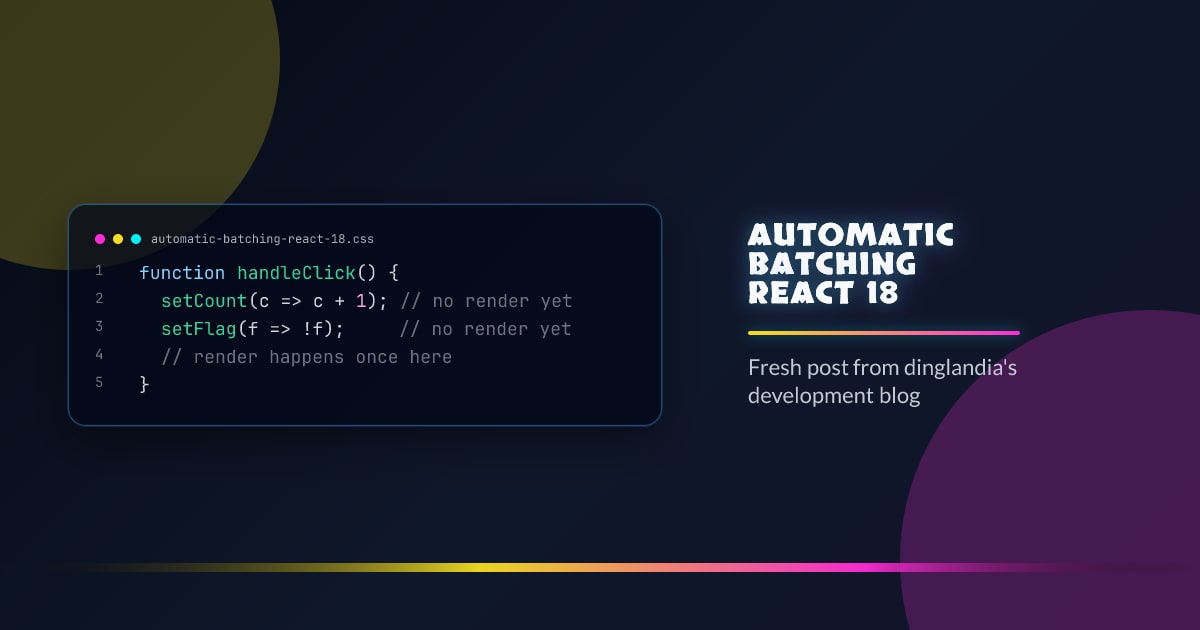
Automatic Batching (React 18)
Batching is React grouping multiple state updates into a single re-render. React 18 extended batching to cover all update origins — not just React event handlers.
React 17 and Earlier
In React 17, batching only applied inside React-controlled event handlers:
function handleClick() {
  setCount((c) => c + 1); // no render yet
  setFlag((f) => !f); // no render yet
  // render happens once here
}
But updates triggered outside React’s event system rendered immediately:
setTimeout(() => {
  setCount((c) => c + 1); // renders immediately
  setFlag((f) => !f); // renders again
}, 1000);
Promises and native event listeners had the same problem — two state updates meant two renders.
React 18: Automatic Batching Everywhere
With createRoot, React 18 batches all updates regardless of origin:
// setTimeout
setTimeout(() => {
  setCount((c) => c + 1);
  setFlag((f) => !f);
  // single render
}, 1000);

// fetch callback
fetch("/api").then(() => {
  setData(result);
  setLoading(false);
  // single render
});

// native event
element.addEventListener("click", () => {
  setA(1);
  setB(2);
  // single render
});
How It Works
React 18 schedules all updates through its scheduler. Even updates from setTimeout go through a microtask-based batching flush rather than synchronous dispatch. The scheduler collects updates, then flushes them together at the next opportunity.
Opting Out: flushSync
If you need a state update to render immediately before continuing:
import { flushSync } from "react-dom";

flushSync(() => {
  setCount((c) => c + 1);
});
// DOM is updated here
flushSync(() => {
  setFlag((f) => !f);
});
// DOM is updated here too
Use flushSync sparingly — it defeats batching and is mainly needed when interoperating with non-React code that reads the DOM directly after a state update.
Legacy Root Behavior
Code using ReactDOM.render() (legacy root) retains React 17 behavior. Automatic batching only applies to roots created with createRoot.




