






Code Splitting with React.lazy
Code splitting defers loading parts of your bundle until they’re needed. React.lazy makes this declarative — split by route or feature with minimal boilerplate.
React.lazy
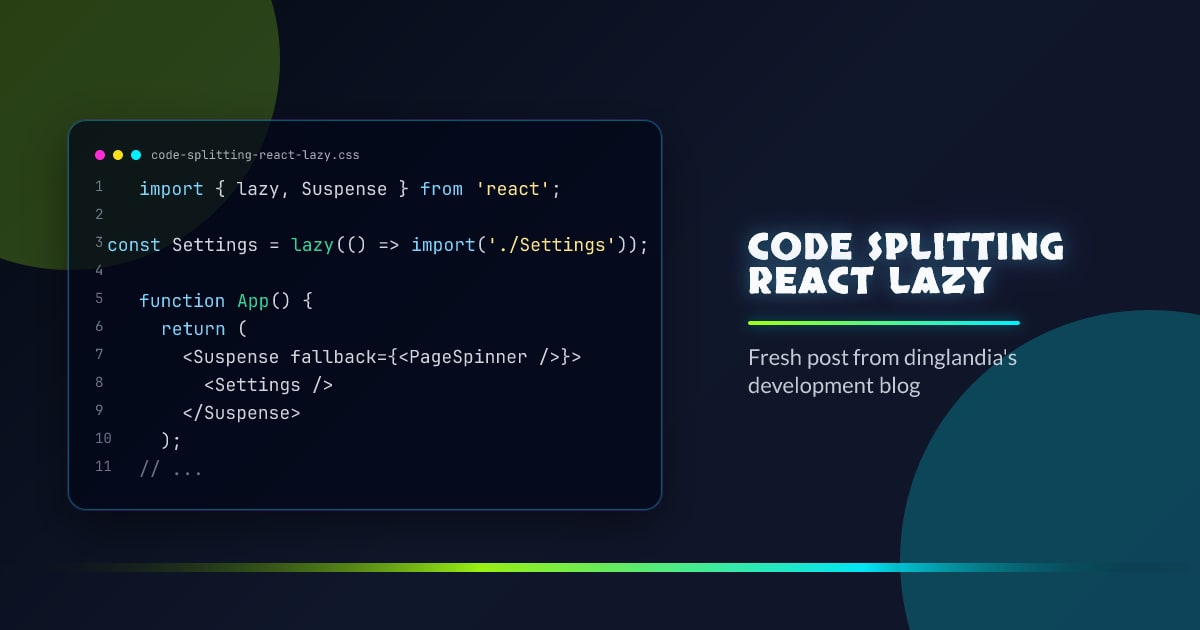
import { lazy, Suspense } from "react";

const Settings = lazy(() => import("./Settings"));

function App() {
  return (
    <Suspense fallback={<PageSpinner />}>
      <Settings />
    </Suspense>
  );
}
import('./Settings') is a dynamic import — the bundler emits Settings into a separate chunk. The chunk is fetched when Settings first renders.
Route-Based Splitting
The most impactful split point is the route level:
const Home = lazy(() => import("./pages/Home"));
const Dashboard = lazy(() => import("./pages/Dashboard"));
const Settings = lazy(() => import("./pages/Settings"));

function App() {
  return (
    <Suspense fallback={<PageSpinner />}>
      <Routes>
        <Route path="/" element={<Home />} />
        <Route path="/dashboard" element={<Dashboard />} />
        <Route path="/settings" element={<Settings />} />
      </Routes>
    </Suspense>
  );
}
Users on the home page never download the dashboard or settings bundle.
Named Exports
React.lazy requires a default export. For named exports, adapt the import:
const UserCard = lazy(() =>
  import("./components").then((m) => ({ default: m.UserCard })),
);
Or re-export as default in the source file.
Preloading
Trigger a chunk fetch before the user navigates to it:
const Settings = lazy(() => import("./Settings"));

function NavItem() {
  return (
    <Link
      to="/settings"
      onMouseEnter={() => import("./Settings")} // starts fetching on hover
    >
      Settings
    </Link>
  );
}
The browser fetches and caches the chunk. By the time the user clicks, it’s ready.
What to Split
Good split points:
- Routes (best ROI)
- Large modals or drawers used by a minority of users
- Rich text editors, chart libraries, map components
- Admin or settings sections
Don’t split:
- Components loaded on the landing page (delays first load)
- Small utilities (chunk overhead outweighs savings)
- Components that are always loaded together with their parent
Bundle Analysis
npx vite-bundle-visualizerUse the visualizer to find large chunks and identify split opportunities.




