






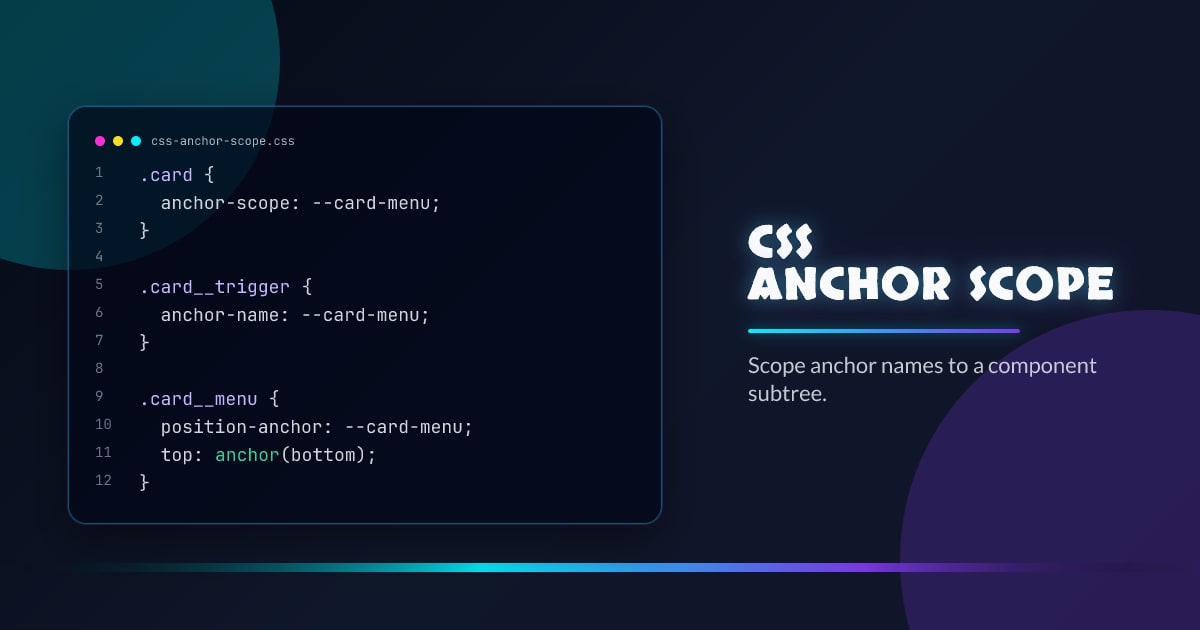
CSS anchor-scope: Scoped Anchor Positioning
CSS anchor positioning lets you tether a positioned element to an anchor element anywhere in the DOM. But as soon as you reuse that pattern inside a component — a list of tooltips, a set of dropdown menus — all the anchors share the same name and bleed into each other.
anchor-scope fixes that.
.card {
  anchor-scope: --card-menu;
}

.card__trigger {
  anchor-name: --card-menu;
}

.card__menu {
  position: fixed;
  position-anchor: --card-menu;
  top: anchor(bottom);
  left: anchor(left);
}
The problem without anchor-scope
Anchor names are global. If you write anchor-name: --menu inside a repeating component, every instance of --menu competes. The browser resolves the anchor by a specificity and tree-order algorithm, but the behavior is unpredictable across browsers and layout states. The positioned element latches onto the wrong trigger, usually the last one in the DOM.
This is the same class of bug as global CSS class names before BEM and CSS Modules.
What anchor-scope does
anchor-scope limits the lookup of named anchors to the subtree of the element it’s applied to. An anchor name declared inside the scope is invisible to anchored elements outside that scope, and vice versa.
/* Without anchor-scope: all --tooltip names are global */
.tooltip-trigger {
  anchor-name: --tooltip;
}

/* With anchor-scope: the name is scoped to each .item */
.item {
  anchor-scope: --tooltip;
}

.item__trigger {
  anchor-name: --tooltip;
}

.item__tooltip {
  position: fixed;
  position-anchor: --tooltip;
  bottom: anchor(top);
}
With this in place, each .item has its own isolated --tooltip anchor. The anchored element inside .item only sees the trigger inside the same .item.
anchor-scope: all
You can scope all anchor names declared in a subtree at once:
.card {
  anchor-scope: all;
}
This is the sledgehammer version. It’s convenient when a component declares multiple anchor names and you want all of them isolated without listing each one.
Use named scopes (anchor-scope: --my-anchor) when your component coexists with other anchor-positioned elements in the same subtree and you want surgical isolation.
A real tooltip list
Here’s a self-contained pattern. Each list item scopes its own tooltip anchor so they never interfere:
.feature-list li {
  anchor-scope: --tip;
  position: relative;
}

.feature-list li button {
  anchor-name: --tip;
}

.feature-list li [popover] {
  position: fixed;
  position-anchor: --tip;
  top: anchor(bottom);
  left: anchor(left);
  margin-top: 4px;
}<ul class="feature-list">
<li>
<button popovertarget="tip-a">Feature A</button>
<div id="tip-a" popover>Details about A</div>
</li>
<li>
<button popovertarget="tip-b">Feature B</button>
<div id="tip-b" popover>Details about B</div>
</li>
</ul>The Popover API handles show/hide; anchor positioning handles placement; anchor-scope prevents bleed between items.
Relationship to anchor-name specificity
Without anchor-scope, the browser uses the following resolution order when multiple elements share an anchor name:
- Elements in the same containing block as the anchored element take priority
- Among those, tree order wins (later element wins)
anchor-scope removes those names from global resolution entirely — the lookup stays inside the scope boundary. It doesn’t interact with specificity; it changes which names are even visible.
Nesting scopes
Scopes can nest. An inner scope with anchor-scope: --nav shadows the outer scope’s --nav. The anchored element always resolves to the nearest enclosing scope that declares the name.
.sidebar {
  anchor-scope: --menu;
}

.sidebar .submenu {
  anchor-scope: --menu; /* nested: shadows the parent scope */
}
Browser support
anchor-scope is part of the CSS Anchor Positioning Level 2 spec. It shipped in Chrome 131 behind the same flag as the rest of anchor positioning. Firefox and Safari are still working through Level 1 — anchor-scope is strictly Level 2, so check support before shipping without a fallback.
A safe fallback: if the browser doesn’t support anchor-scope, anchor names remain global. Either generate unique anchor names in your templating layer (e.g. anchor-name: --menu-${id}) or use a @supports check to opt into the component-scoped pattern:
@supports (anchor-scope: all) {
  .card {
    anchor-scope: --card-menu;
  }
}

/* Fallback: unique names per component via server-generated style attrs */
Summary
| Property | Effect |
|---|---|
anchor-scope: --name | Scopes a specific anchor name to the element’s subtree |
anchor-scope: all | Scopes all anchor names declared in the subtree |
No anchor-scope | Anchor names are global within the document |
Use anchor-scope any time you reuse an anchor positioning pattern in a repeating component. It’s the missing piece that makes anchor positioning safe to use in design systems and component libraries.
Browser support snapshot
Live support matrix for css-anchor-positioning from
Can I Use.
Show static fallback image

Source: caniuse.com




