






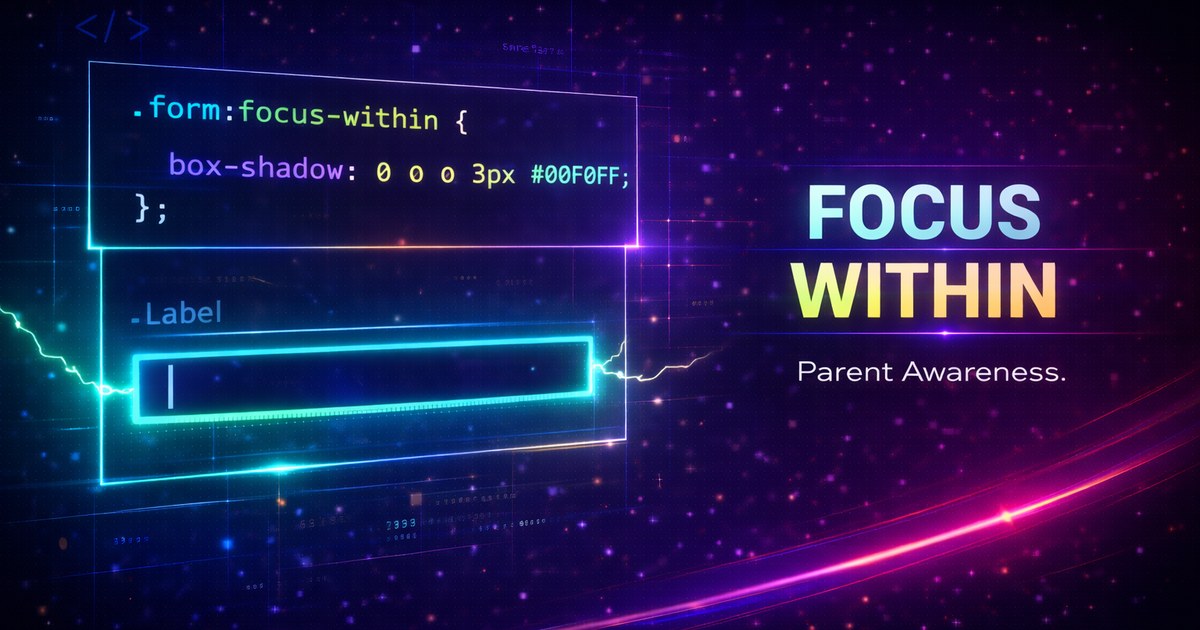
:focus-within: Parent Focus States Without JavaScript
For years, styling a parent element when a child receives focus required JavaScript. The :focus-within pseudo-class makes this trivially easy with pure CSS.
What is :focus-within?
:focus-within matches an element when it or any of its descendants has focus:
/* Highlight form when any input is focused */
form:focus-within {
  box-shadow: 0 0 0 4px rgba(0, 102, 204, 0.2);
}
The Problem It Solves
Before :focus-within, you couldn’t style a parent based on child focus:
/* ❌ This doesn't work */
input:focus + .parent {
  background: yellow;
}

/* ❌ Neither does this */
.parent > input:focus {
  /* Can only style the input, not the parent */
}
The only solution was JavaScript:
// ❌ JavaScript workaround
input.addEventListener("focus", () => {
  parent.classList.add("is-focused");
});
Practical Use Cases
1. Form Highlighting
.form-card {
  padding: 2rem;
  border: 2px solid #e0e0e0;
  border-radius: 8px;
  transition: all 0.3s;
}

.form-card:focus-within {
  border-color: #0066cc;
  box-shadow: 0 4px 12px rgba(0, 102, 204, 0.15);
  transform: translateY(-2px);
}
2. Search Bar Enhancement
.search-container {
  display: flex;
  align-items: center;
  padding: 0.5rem 1rem;
  background: #f5f5f5;
  border-radius: 24px;
  transition: all 0.2s;
}

.search-container:focus-within {
  background: white;
  box-shadow: 0 2px 8px rgba(0, 0, 0, 0.1);
}

/* Show search icon differently when focused */
.search-container:focus-within .search-icon {
  color: #0066cc;
  transform: scale(1.1);
}

/* Show clear button only when focused */
.search-container .clear-button {
  opacity: 0;
  pointer-events: none;
  transition: opacity 0.2s;
}

.search-container:focus-within .clear-button {
  opacity: 1;
  pointer-events: auto;
}
3. Navigation Menus
.nav-item {
  position: relative;
}

.nav-item .dropdown {
  display: none;
  position: absolute;
  top: 100%;
  left: 0;
  background: white;
  box-shadow: 0 4px 12px rgba(0, 0, 0, 0.1);
  border-radius: 8px;
  padding: 1rem;
  min-width: 200px;
}

/* Show dropdown when nav item or its children have focus */
.nav-item:focus-within .dropdown {
  display: block;
}

/* Highlight the parent nav item */
.nav-item:focus-within > a {
  background: #0066cc;
  color: white;
}
4. Table Row Highlighting
tr {
  transition: background-color 0.2s;
}

/* Highlight entire row when any cell is focused */
tr:focus-within {
  background: #f0f8ff;
  box-shadow: inset 0 0 0 2px #0066cc;
}

tr:focus-within td {
  color: #000;
}
Advanced Techniques
Label and Input Groups
.field-group {
  display: flex;
  flex-direction: column;
  gap: 0.5rem;
  padding: 1rem;
  border-radius: 8px;
  transition: all 0.2s;
}

.field-group:focus-within {
  background: #f8f9fa;
}

/* Animate label when field is focused */
.field-group:focus-within label {
  color: #0066cc;
  font-weight: 600;
  transform: translateX(4px);
}

/* Show helper text when focused */
.field-group .helper-text {
  opacity: 0;
  max-height: 0;
  overflow: hidden;
  transition: all 0.3s;
}

.field-group:focus-within .helper-text {
  opacity: 1;
  max-height: 100px;
}
Nested Focus States
/* Outer container */
.form-section {
  border: 2px solid transparent;
  padding: 2rem;
  margin-bottom: 2rem;
}

.form-section:focus-within {
  border-color: #e0e0e0;
  background: #fafafa;
}

/* Inner field groups - more specific styling */
.field-wrapper {
  border: 2px solid transparent;
  padding: 1rem;
  border-radius: 6px;
}

.field-wrapper:focus-within {
  border-color: #0066cc;
  background: white;
}
Combining with :not()
/* Style when parent has focus BUT not the submit button */
form:focus-within:not(:has(button:focus)) {
  /* Styles for when inputs are focused, not the button */
}

/* Style all siblings when one has focus */
.card-grid:focus-within .card:not(:focus-within) {
  opacity: 0.5;
  filter: grayscale(50%);
}
Real-World Example: Chat Interface
.chat-container {
  display: flex;
  flex-direction: column;
  height: 500px;
  border: 1px solid #e0e0e0;
  border-radius: 12px;
  overflow: hidden;
  transition: all 0.3s;
}

.chat-container:focus-within {
  border-color: #0066cc;
  box-shadow: 0 8px 24px rgba(0, 102, 204, 0.12);
}

.chat-messages {
  flex: 1;
  overflow-y: auto;
  padding: 1rem;
  transition: background 0.3s;
}

.chat-container:focus-within .chat-messages {
  background: #f8f9fa;
}

.chat-input-area {
  display: flex;
  gap: 0.5rem;
  padding: 1rem;
  border-top: 1px solid #e0e0e0;
  background: white;
  transition: all 0.3s;
}

.chat-container:focus-within .chat-input-area {
  background: white;
  box-shadow: 0 -2px 8px rgba(0, 0, 0, 0.05);
}

.chat-input {
  flex: 1;
  border: 2px solid #e0e0e0;
  border-radius: 20px;
  padding: 0.75rem 1rem;
  font-size: 1rem;
  transition: all 0.2s;
}

.chat-input:focus {
  outline: none;
  border-color: #0066cc;
}

/* Show formatting toolbar when input is focused */
.formatting-toolbar {
  display: none;
  gap: 0.5rem;
  padding: 0.5rem;
  background: #f5f5f5;
  border-radius: 8px;
}

.chat-input-area:focus-within .formatting-toolbar {
  display: flex;
  animation: slideDown 0.2s ease;
}

@keyframes slideDown {
  from {
    opacity: 0;
    transform: translateY(-10px);
  }
  to {
    opacity: 1;
    transform: translateY(0);
  }
}

/* Highlight send button when typing */
.chat-input-area:focus-within .send-button {
  background: #0066cc;
  color: white;
  transform: scale(1.05);
}
Browser Support
:focus-within has excellent browser support:
- Chrome/Edge: ✅ v60+ (July 2017)
- Firefox: ✅ v52+ (March 2017)
- Safari: ✅ v10.1+ (March 2017)
Current global support is ~95%, making it safe for production use.
Accessibility Considerations
:focus-within is great for accessibility when used properly:
/* ✅ Good: Enhances visual feedback */
.form-group:focus-within {
  background: #f5f5f5;
}

/* ✅ Good: Makes focus more obvious */
.card:focus-within {
  outline: 2px solid #0066cc;
  outline-offset: 2px;
}

/* ⚠️ Careful: Don't hide important focus indicators */
.nav-item:focus-within a:focus {
  outline: none; /* Only if providing alternative indication */
}
Always ensure sufficient color contrast and visible focus indicators:
/* Ensure focus is visible */
.interactive-card:focus-within {
  box-shadow: 0 0 0 3px rgba(0, 102, 204, 0.4);
}

/* For keyboard users */
.interactive-card:focus-within:not(:hover) {
  outline: 2px solid #0066cc;
  outline-offset: 2px;
}
Performance Considerations
:focus-within is highly performant because it’s a native browser feature:
/* ✅ Performant */
.container:focus-within {
  box-shadow: 0 0 10px blue;
}

/* ✅ Also performant with transitions */
.container {
  transition: box-shadow 0.2s;
}

.container:focus-within {
  box-shadow: 0 4px 12px rgba(0, 0, 0, 0.15);
}
Common Pitfalls
1. Forgetting Focusable Elements
/* Won't work - div isn't focusable by default */
div:focus-within {
  background: yellow;
}
<!-- ✅ Make it focusable -->
<div tabindex="0">
<input />
</div>
<!-- Or ensure it contains focusable elements -->
<div>
<input />
<button>Click</button>
</div>2. Specificity Issues
/* Lower specificity */
.form:focus-within {
  border-color: blue;
}

/* Higher specificity wins */
.form {
  border: 2px solid red !important; /* Overrides focus-within */
}
3. Transition Performance
/* ❌ Heavy transition on focus */
.container:focus-within {
  transition: all 0.3s; /* Avoid 'all' */
  /* ... many properties changing ... */
}

/* ✅ Better - specific properties */
.container {
  transition:
    border-color 0.2s,
    box-shadow 0.2s;
}

.container:focus-within {
  border-color: blue;
  box-shadow: 0 0 10px rgba(0, 0, 255, 0.2);
}
Combining with Modern CSS Features
With :has()
/* Only style parent if it contains inputs and one is focused */
.form-section:has(input):focus-within {
  background: #f5f5f5;
}

/* Style differently based on which child is focused */
.toolbar:has(input:focus-within) {
  /* Input focused */
}

.toolbar:has(button:focus-within) {
  /* Button focused */
}
With Container Queries
.form-container {
  container-type: inline-size;
}

@container (min-width: 600px) {
  .form-container:focus-within {
    display: grid;
    grid-template-columns: 300px 1fr;
    gap: 2rem;
  }
}
With CSS Grid
.grid {
  display: grid;
  grid-template-columns: repeat(auto-fit, minmax(250px, 1fr));
  gap: 2rem;
}

/* Dim other grid items when one is focused */
.grid:focus-within .card:not(:focus-within) {
  opacity: 0.4;
  filter: grayscale(100%);
  transition: all 0.3s;
}

.card:focus-within {
  transform: scale(1.05);
  z-index: 10;
}
Real-World Example: Settings Panel
.settings-panel {
  max-width: 800px;
  margin: 2rem auto;
}

.settings-group {
  background: white;
  border: 2px solid #e0e0e0;
  border-radius: 8px;
  padding: 1.5rem;
  margin-bottom: 1rem;
  transition: all 0.3s;
}

.settings-group:focus-within {
  border-color: #0066cc;
  box-shadow: 0 4px 12px rgba(0, 102, 204, 0.1);
}

.settings-group:focus-within .group-title {
  color: #0066cc;
}

.settings-row {
  display: flex;
  justify-content: space-between;
  align-items: center;
  padding: 1rem;
  border-radius: 6px;
  transition: background 0.2s;
}

.settings-row:focus-within {
  background: #f8f9fa;
}

.settings-row:focus-within .setting-label {
  font-weight: 600;
}

/* Show description when row is focused */
.settings-row .setting-description {
  opacity: 0;
  max-height: 0;
  overflow: hidden;
  font-size: 0.875rem;
  color: #666;
  transition: all 0.3s;
}

.settings-row:focus-within .setting-description {
  opacity: 1;
  max-height: 100px;
  margin-top: 0.5rem;
}

/* Toggle switch styling */
.toggle-switch {
  position: relative;
  width: 50px;
  height: 26px;
}

.settings-row:focus-within .toggle-switch {
  transform: scale(1.1);
}
Debugging Tips
Use browser DevTools to visualize focus states:
/* Add debugging outline */
*:focus-within {
  outline: 2px dashed orange !important;
  outline-offset: 2px;
}
Conclusion
:focus-within is a powerful, well-supported pseudo-class that eliminates the need for JavaScript in many common UI patterns. It’s particularly valuable for:
- Form enhancements
- Navigation menus
- Search interfaces
- Interactive cards
- Settings panels
With near-universal browser support and excellent performance, there’s no reason not to use it today. Start enhancing your focus states with :focus-within for a more polished, accessible user experience.
Browser support snapshot
Live support matrix for css-focus-within from
Can I Use.
Show static fallback image

Source: caniuse.com




