






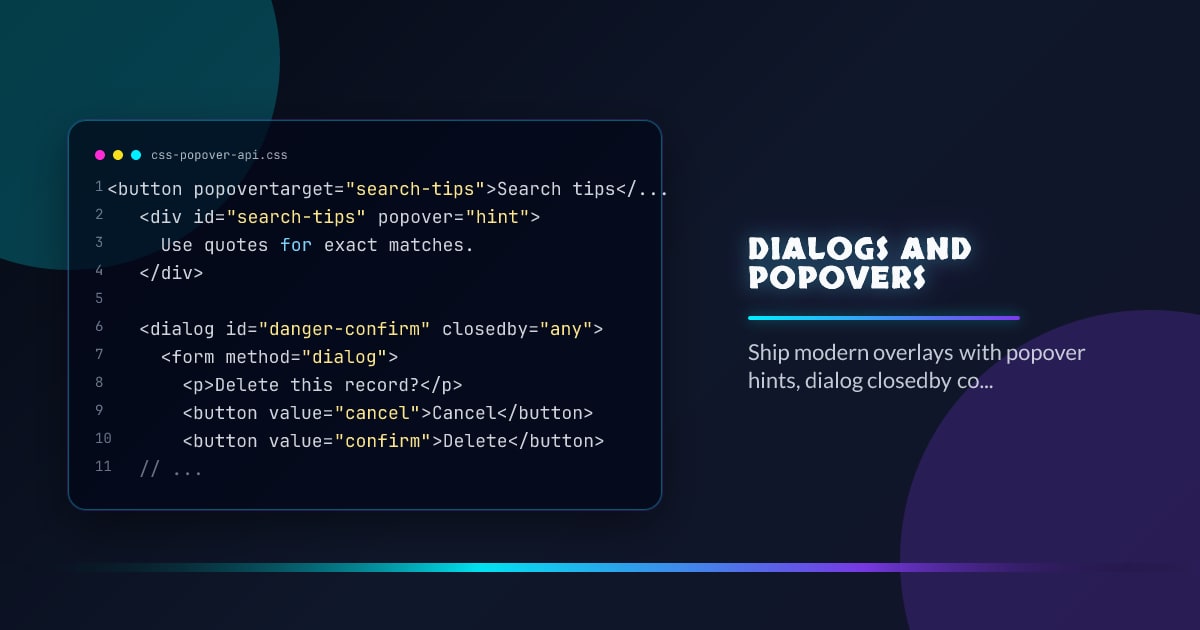
Dialogs and Popovers
Interop 2026 is finally giving overlay work the boring foundation it deserves. Dialogs and popovers are more useful when the platform handles open state, dismiss rules, and top-layer behavior instead of every app shipping its own slightly broken clone.
<button popovertarget="search-tips">Search tips</button>
<div id="search-tips" popover="hint">Use quotes for exact matches.</div>

<dialog id="danger-confirm" closedby="any">
  <form method="dialog">
    <p>Delete this record?</p>
    <button value="cancel">Cancel</button>
    <button value="confirm">Delete</button>
  </form>
</dialog>
Choose the Right Primitive
Use popover="hint" for lightweight, non-interactive guidance. Use auto or manual popovers for transient UI like menus. Use dialog for tasks that deserve an explicit decision path. The platform distinction matters because it gives you the right dismiss and focus behavior by default.
Use closedby Intentionally
The closedby attribute turns dismiss behavior into an explicit product choice instead of a side effect. Pick none when only app actions may close, closerequest when Escape or back should close, and any when clicking outside is acceptable.
Style Real Open State
The :open pseudo-class lets you target genuinely open surfaces instead of sprinkling helper classes across your codebase. Keep the transition subtle and short; overlays feel better when state is obvious and motion is restrained.
Hints Are Not Mini Dialogs
If the UI needs form fields, long copy, or keyboard navigation, it is not a hint anymore. Reserve hint popovers for short guidance and keep a click or focus path available for users who are not on a precision pointer.
Browser support snapshot
Live support matrix for wf-popover from
Can I Use.
Show static fallback image

Source: caniuse.com
Browser support snapshot
Live support matrix for wf-dialog-closedby from Can I Use.
Show static fallback image

Source: caniuse.com




