






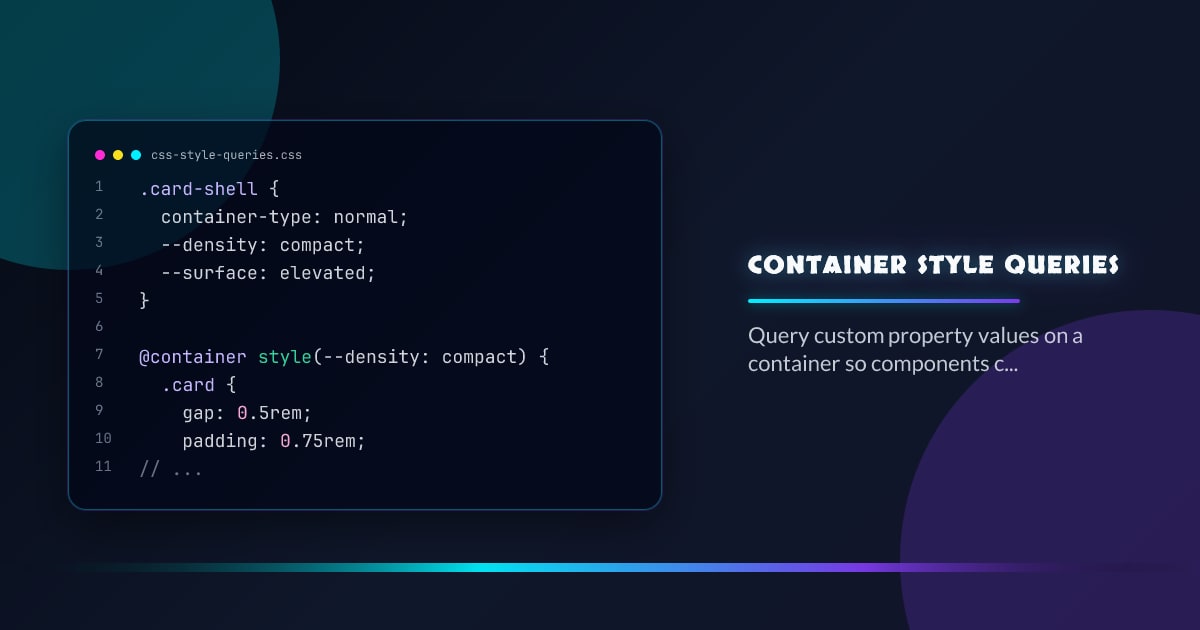
Container Style Queries
Style queries are the missing half of container queries. Size queries answer “how wide is this box?”; style queries answer “which design tokens are active here?” so components can adapt to local context instead of global modifier classes.
.card-shell {
  container-type: normal;
  --density: compact;
  --surface: elevated;
}

@container style(--density: compact) {
  .card {
    gap: 0.5rem;
    padding: 0.75rem;
  }
}

@container style(--surface: elevated) {
  .card {
    box-shadow: 0 10px 30px rgb(0 0 0 / 0.18);
  }
}
Why This Feels Like Props for CSS
Interop 2026 is focused on the practical version teams actually want: querying custom properties. A parent can expose values like --density, --tone, or --surface, and descendants branch on those semantic inputs without new data attributes, wrapper classes, or JavaScript toggles.
Use Semantic Tokens, Not Secret Flags
Keep queried values meaningful and local. --density: compact is durable. --mode: 2 is not. Style queries work best when they describe intent that a design system already owns, such as density, emphasis, or surface treatment.
Split Responsibilities Cleanly
Use size queries for structure and style queries for meaning. Container width should decide whether a card becomes two columns; a style token should decide whether that card is quiet, elevated, or urgent. That separation keeps component APIs understandable.
Rollout Strategy
Ship a strong default first and treat the query as progressive enhancement. Guard it with @supports (container: style(--x: y)) if the query materially changes layout or spacing, and keep token names stable enough that refactors do not silently break variants.
Browser support snapshot
Live support matrix for css-container-queries-style from
Can I Use.
Show static fallback image

Source: caniuse.com




