






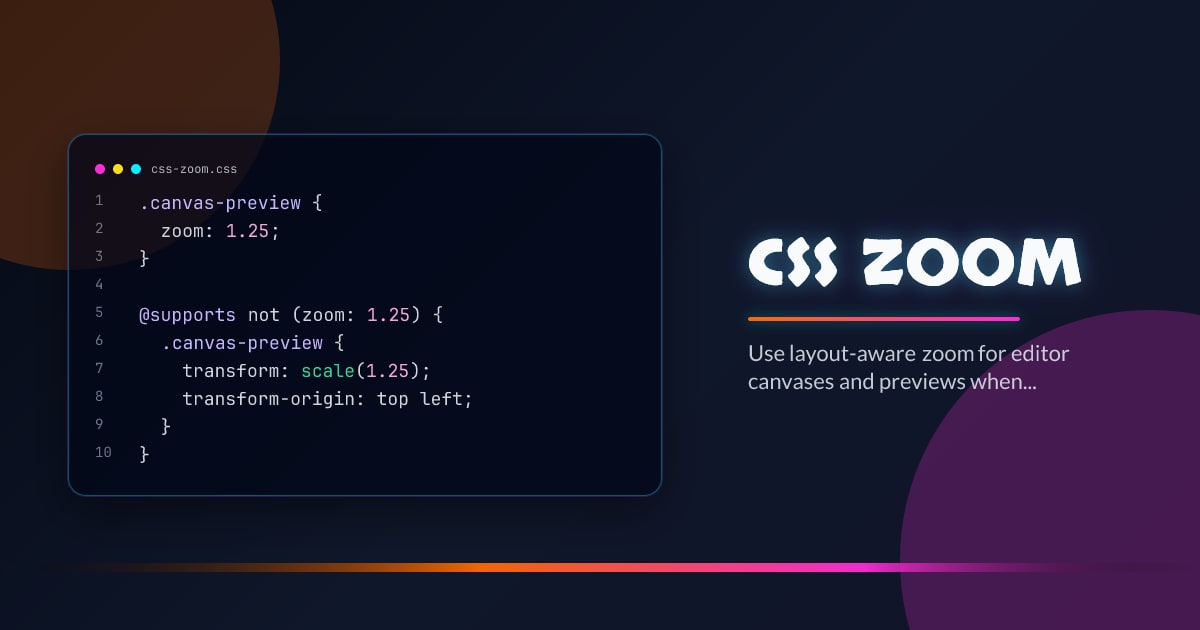
CSS zoom
zoom is back in the conversation because it solves a different problem from transform: scale(). When you want layout-aware magnification for canvases, previews, or editors, scale transforms often leave you doing extra coordinate math that zoom avoids.
.canvas-preview {
  zoom: 1.25;
}

@supports not (zoom: 1.25) {
  .canvas-preview {
    transform: scale(1.25);
    transform-origin: top left;
  }
}
How It Differs from scale()
zoom participates in layout. scale() does not. That difference is exactly why zoom can be the better tool for embedded documents, design surfaces, or internal tools where hit testing and surrounding layout must stay coherent.
Use Cases That Make Sense
Good fits include spreadsheet-like surfaces, print previews, diagram editors, and shrink-to-fit dashboards. It is not a replacement for browser page zoom, pinch zoom, or accessible text sizing controls.
Keep the Contract Small
If you adopt zoom, isolate it to surfaces that are designed for it. Mixing zoomed and non-zoomed coordinate systems inside one component tree gets confusing quickly, especially when pointer math or scrolling logic is involved.
Progressive Enhancement Still Applies
The fallback does not need to be perfect; it needs to be functional. Make the zoomed surface usable everywhere first, then let native zoom simplify the capable-browser path.
Browser support snapshot
Live support matrix for css-zoom from
Can I Use.
Show static fallback image

Source: caniuse.com




