






Customizable Select: Better Native Dropdowns Without Throwing Away Accessibility
Native <select> still gives you strong keyboard behavior, form integration, and assistive tech support.
The goal is to customize it enough for product quality while keeping built-in semantics.
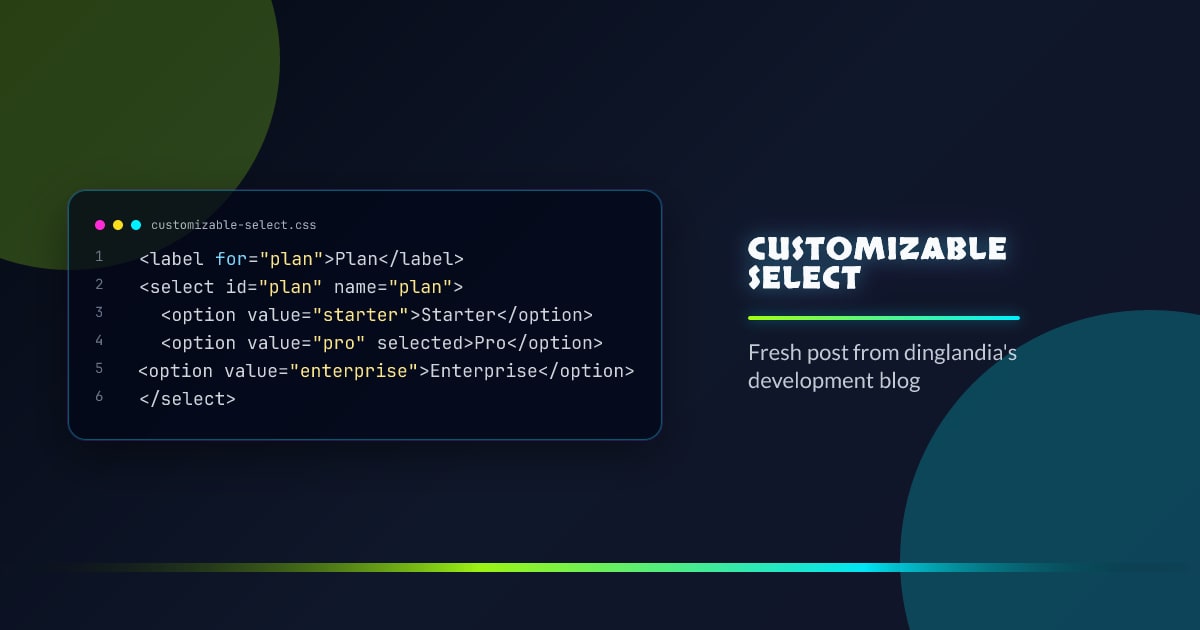
<label for="plan">Plan</label>
<select id="plan" name="plan">
  <option value="starter">Starter</option>
  <option value="pro" selected>Pro</option>
  <option value="enterprise">Enterprise</option>
</select>
Why Start Native
- automatic focus + keyboard navigation
- reliable mobile picker behavior
- no re-implementing listbox state machine
- lower maintenance than custom comboboxes
Baseline Styling That Ships
select {
  appearance: none;
  inline-size: 100%;
  padding: 0.625rem 2.5rem 0.625rem 0.75rem;
  border-radius: 0.75rem;
  border: 1px solid rgb(148 163 184 / 0.4);
  background: rgb(15 23 42 / 0.9);
  color: #e2e8f0;
}

select:focus-visible {
  outline: 3px solid rgb(0 240 255 / 0.55);
  outline-offset: 2px;
}
Add your chevron using a background image, a pseudo-element wrapper, or inline SVG next to the control.
Variant Pattern With Data Attributes
<div class="select-field" data-tone="neon">
  <label for="theme">Theme</label>
  <select id="theme" name="theme">
    <option>System</option>
    <option>Light</option>
    <option>Dark</option>
  </select>
</div>
.select-field[data-tone="neon"] select {
border-color: rgb(0 240 255 / 0.45);
box-shadow: 0 0 0 1px rgb(124 58 237 / 0.35);
}Progressive Enhancement for Rich Pickers
If product requirements need searchable options or grouping UX, start native and upgrade only where supported.
const select = document.querySelector("#country");
if (select && "showPopover" in HTMLElement.prototype) {
  // Optional enhanced picker path
  // Keep native select synced for forms and accessibility.
}
Common Mistakes
- Hiding the native control and breaking keyboard interaction.
- Removing focus ring without replacement.
- Shipping custom dropdowns that don’t support typeahead.
Conclusion
Customizable select should mean “styled native first.”
You get better UX with less code and fewer accessibility regressions.
Browser support snapshot
Live support matrix for selectlist from
Can I Use.
Show static fallback image

Source: caniuse.com




