






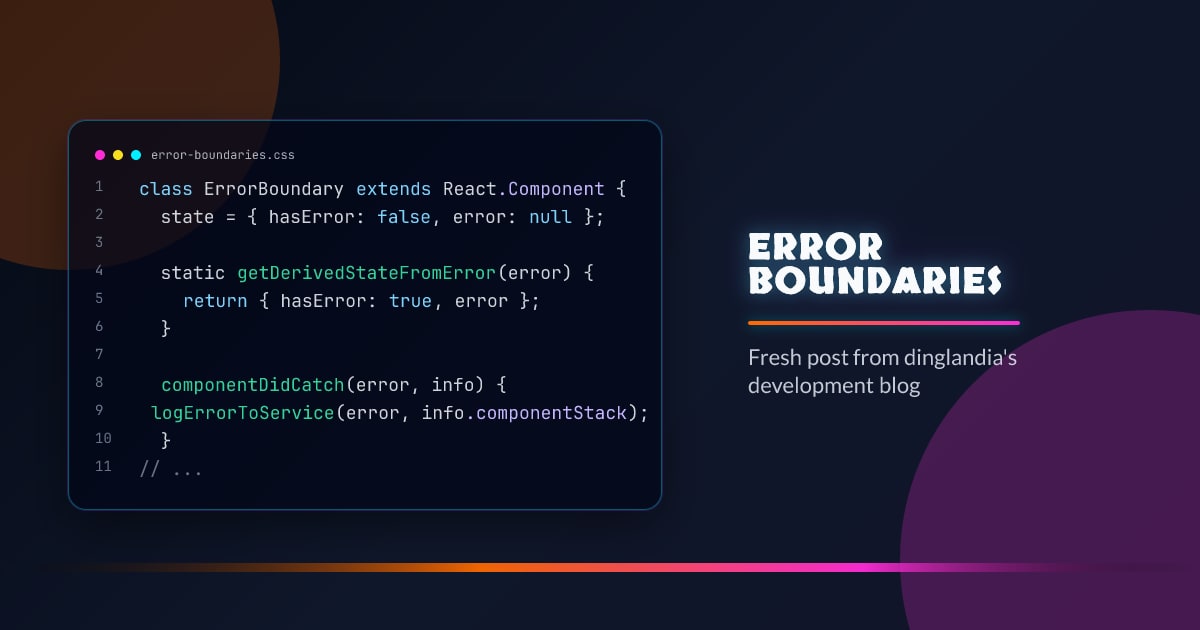
Error Boundaries
Error boundaries are React components that catch JavaScript errors in their child tree and render a fallback UI instead of crashing the whole app.
Defining an Error Boundary
Error boundaries must be class components — there is no hook equivalent yet:
class ErrorBoundary extends React.Component {
  state = { hasError: false, error: null };

  static getDerivedStateFromError(error) {
    return { hasError: true, error };
  }

  componentDidCatch(error, info) {
    logErrorToService(error, info.componentStack);
  }

  render() {
    if (this.state.hasError) {
      return this.props.fallback ?? <h2>Something went wrong.</h2>;
    }
    return this.props.children;
  }
}
getDerivedStateFromError runs during render to update state and show the fallback. componentDidCatch runs after commit for logging — it has access to the component stack trace.
Usage
<ErrorBoundary fallback={<ErrorPage />}>
  <UserDashboard />
</ErrorBoundary>
What Error Boundaries Catch
- Errors during rendering
- Errors in lifecycle methods
- Errors in constructors of child components
What They Do Not Catch
- Errors in event handlers (use try/catch in the handler)
- Async errors (setTimeout, fetch callbacks)
- Errors in the error boundary itself
- Server-side rendering errors
// This error is NOT caught by an error boundary
<button
  onClick={() => {
    throw new Error("click error"); // use try/catch here
  }}
>
  Click me
</button>
Granularity
Like Suspense, placement granularity matters:
<ErrorBoundary fallback={<AppCrash />}>
  <Layout>
    <ErrorBoundary fallback={<WidgetError />}>
      <RevenueWidget />
    </ErrorBoundary>
    <ErrorBoundary fallback={<WidgetError />}>
      <ActivityFeed />
    </ErrorBoundary>
  </Layout>
</ErrorBoundary>
One failing widget does not crash the whole layout.
Resetting an Error Boundary
Once an error boundary catches an error, it stays in error state. To let the user retry:
class ErrorBoundary extends React.Component {
  state = { hasError: false };

  static getDerivedStateFromError() {
    return { hasError: true };
  }

  reset = () => this.setState({ hasError: false });

  render() {
    if (this.state.hasError) {
      return <button onClick={this.reset}>Try again</button>;
    }
    return this.props.children;
  }
}
react-error-boundary
The community library wraps this pattern with resetKeys and render props:
import { ErrorBoundary } from "react-error-boundary";

<ErrorBoundary
  fallbackRender={({ error, resetErrorBoundary }) => (
    <div>
      <p>{error.message}</p>
      <button onClick={resetErrorBoundary}>Retry</button>
    </div>
  )}
  onError={(error, info) => logError(error, info)}
  resetKeys={[userId]}
>
  <UserProfile />
</ErrorBoundary>;



