






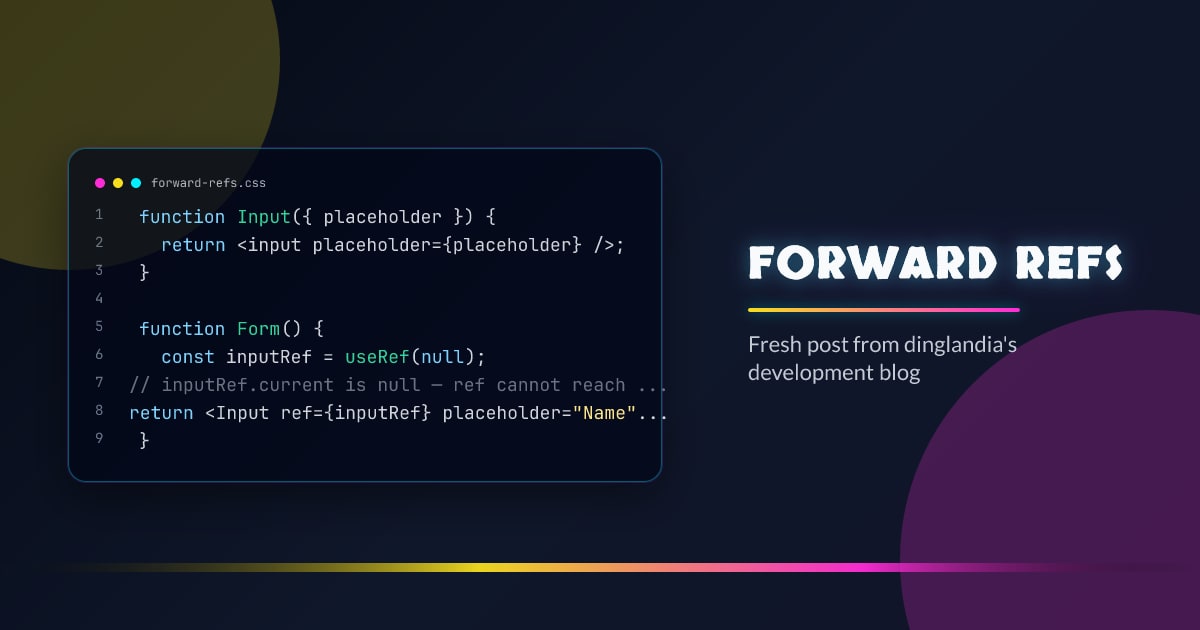
Forward Refs
forwardRef lets a component expose a DOM node or imperative handle to its parent via the ref prop. Without it, refs stop at the component boundary.
The Problem
function Input({ placeholder }) {
  return <input placeholder={placeholder} />;
}

function Form() {
  const inputRef = useRef(null);
  // inputRef.current is null — ref cannot reach the inner <input>
  return <Input ref={inputRef} placeholder="Name" />;
}
React does not forward ref automatically because it’s not a regular prop.
forwardRef
const Input = forwardRef(function Input({ placeholder }, ref) {
  return <input ref={ref} placeholder={placeholder} />;
});

function Form() {
  const inputRef = useRef(null);
  useEffect(() => {
    inputRef.current.focus();
  }, []);
  return <Input ref={inputRef} placeholder="Name" />;
}
The second argument to the render function receives the forwarded ref. Pass it to any DOM element or another forwardRef component.
displayName
Set it for clearer DevTools output:
const Input = forwardRef(function Input(props, ref) {
  return <input {...props} ref={ref} />;
});
Input.displayName = "Input";
Forwarding Through Multiple Layers
const Input = forwardRef((props, ref) => <input {...props} ref={ref} />);

const StyledInput = forwardRef((props, ref) => (
  <div className="input-wrapper">
    <Input {...props} ref={ref} />
  </div>
));
When to Use
- UI library components (
Button,Input,Modal) that consumers may need to focus, measure, or animate - Any component wrapping a DOM element that needs to be exposed
- Animation library integration (GSAP, Framer Motion) that requires DOM refs
React 19 Change
In React 19, ref is a regular prop — forwardRef is no longer needed:
// React 19
function Input({ placeholder, ref }) {
  return <input ref={ref} placeholder={placeholder} />;
}



