






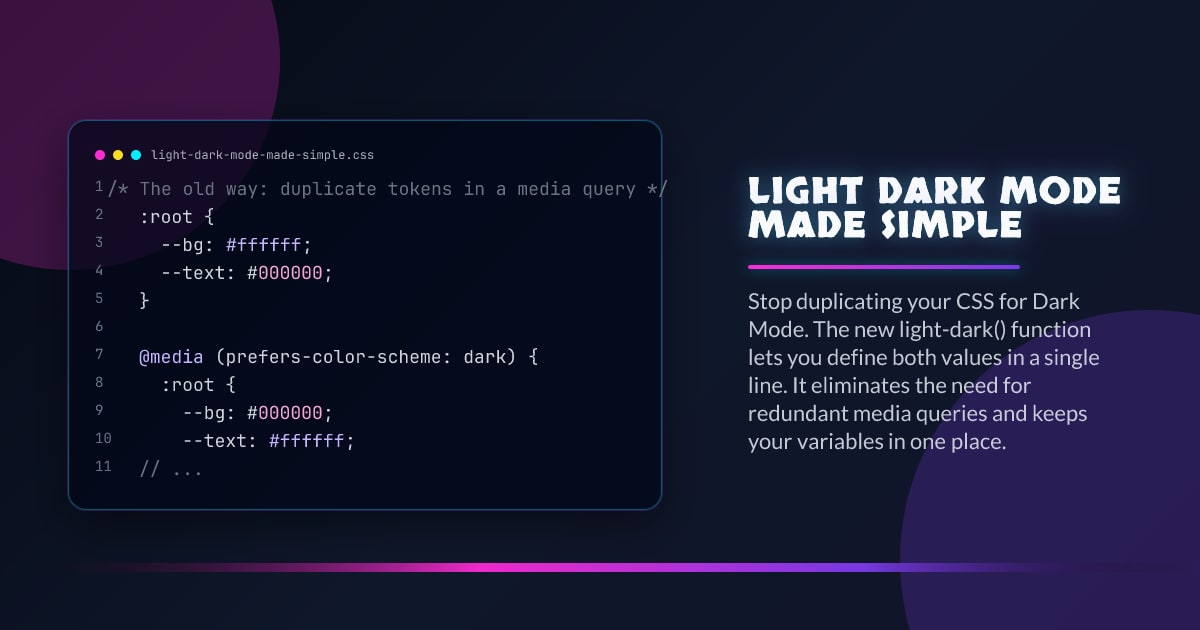
Light & Dark Mode Made Simple
Stop duplicating your CSS for dark mode.
The light-dark() function lets you define both values in a single line. It removes repetitive @media (prefers-color-scheme: dark) blocks and keeps tokens in one place.
/* The old way: duplicate tokens in a media query */
:root {
  --bg: #ffffff;
  --text: #000000;
}

@media (prefers-color-scheme: dark) {
  :root {
    --bg: #000000;
    --text: #ffffff;
  }
}

/* New way: one token definition */
:root {
  color-scheme: light dark;
  --bg: light-dark(#ffffff, #000000);
  --text: light-dark(#000000, #ffffff);
}
Why This Is Better
- One token definition instead of two branches
- Easier to scan and maintain
- Less risk of light/dark drift
- Works anywhere a
<color>value is accepted
Base Pattern
Set color-scheme once and define semantic tokens with light-dark().
:root {
  color-scheme: light dark;

  --surface: light-dark(#f7f7f8, #121316);
  --surface-elevated: light-dark(#ffffff, #1b1d22);
  --text-primary: light-dark(#111318, #f4f5f7);
  --text-muted: light-dark(#5c6370, #a1a8b3);
  --accent: light-dark(#0057ff, #7aa2ff);
}

body {
  background: var(--surface);
  color: var(--text-primary);
}
Then consume tokens as normal:
.card {
  background: var(--surface-elevated);
  border: 1px solid color-mix(in oklab, var(--text-primary), transparent 86%);
}

.card a {
  color: var(--accent);
}
Progressive Enhancement Fallback
If you need broader compatibility, define light values first, then upgrade in @supports.
:root {
  color-scheme: light dark;

  /* fallback (light) */
  --bg: #ffffff;
  --text: #111318;
}

@supports (color: light-dark(white, black)) {
  :root {
    --bg: light-dark(#ffffff, #000000);
    --text: light-dark(#111318, #f4f5f7);
  }
}
Browsers without light-dark() still get valid colors.
When To Keep prefers-color-scheme
light-dark() handles value selection, not behavior branching.
Keep prefers-color-scheme media queries when you need to:
- Swap images or video assets
- Change shadow intensity by layout context
- Load a separate theme stylesheet
- Apply non-color decisions tied to theme
Use light-dark() for color tokens. Use media queries for structural differences.
Common Mistakes
Forgetting color-scheme
Without color-scheme: light dark, light-dark() cannot switch correctly.
Using raw literals everywhere
Still use semantic variables (--surface, --text-primary). Do not scatter light-dark() across every selector.
Forcing a theme globally
Only force color-scheme: dark on scoped elements if you intentionally need it. Do not override user preference across the app by default.
Takeaway
light-dark() is the clean default for theme color tokens in modern CSS. You get less duplication, clearer intent, and fewer theme bugs with almost no extra complexity.
Browser support snapshot
Live support matrix for wf-light-dark from
Can I Use. Can I Use Embed does not currently expose wf-light-dark directly, so this
chart uses prefers-color-scheme as the closest available
proxy.
Show static fallback image

Source: caniuse.com




