






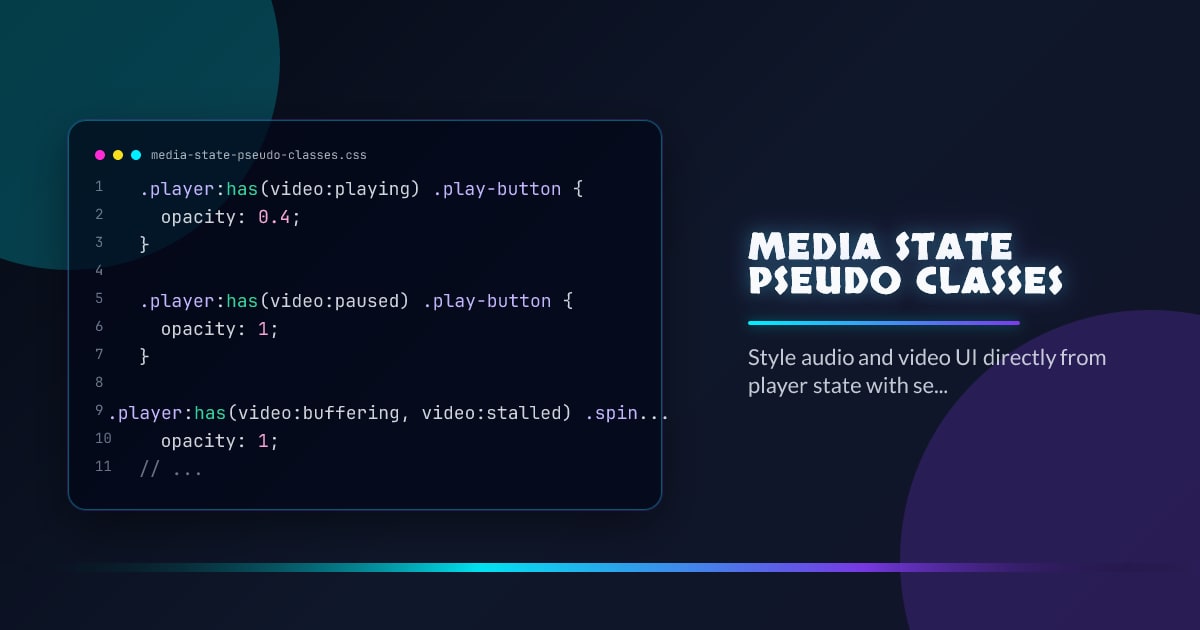
Media State Pseudo-Classes
A lot of custom media UI duplicates state the browser already knows. Media state pseudo-classes let CSS respond directly to whether audio or video is playing, paused, seeking, buffering, stalled, muted, or volume-locked.
.player:has(video:playing) .play-button {
  opacity: 0.4;
}

.player:has(video:paused) .play-button {
  opacity: 1;
}

.player:has(video:buffering, video:stalled) .spinner {
  opacity: 1;
}

.player:has(video:muted, video:volume-locked) .mute-chip {
  opacity: 1;
}
Why This Is Better Than JS Class Mirroring
When the platform owns playback state, CSS should be able to read it directly. That removes a whole category of stale UI bugs where the player changes state but your wrapper class or store update lands late.
Use :has() and :is() to Keep Selectors Manageable
These pseudo-classes become much more ergonomic when combined with relational selectors. A controller wrapper can react to the inner media element without the media element itself having to own every presentational concern.
What JS Should Still Do
JavaScript still belongs in orchestration: analytics, scrubbing logic, preloading, and custom shortcuts. The new selectors do not replace player logic; they replace the unnecessary CSS state bridge.
Interop 2026 Impact
This is exactly the kind of cross-engine consistency feature media UI needs. Once state selectors behave the same everywhere, component libraries can standardize richer audio and video chrome without shipping per-browser CSS forks.
Browser support snapshot
Live support matrix for mdn-css_selectors_playing from
Can I Use.
Show static fallback image

Source: caniuse.com
Browser support snapshot
Live support matrix for mdn-css_selectors_muted from Can I Use.
Show static fallback image

Source: caniuse.com




