






Pretext: Text Layout Without DOM Measurement
Pretext is one of the more interesting browser libraries in a while because it goes after a boring but expensive problem: figuring out how wrapped text will lay out before you touch the DOM.
Most apps still answer text layout questions by rendering something, reading getBoundingClientRect(), offsetHeight, or scrollHeight, then reacting after layout has already happened. That is survivable for one tooltip. It gets expensive in virtualized feeds, canvas editors, custom layout systems, and any UI that keeps measuring text during resize.
The Core API
import { prepare, layout } from "@chenglou/pretext";

const prepared = prepare(
  "AGI spring is here. Spring has arrived. The journey began.",
  "16px Inter",
);

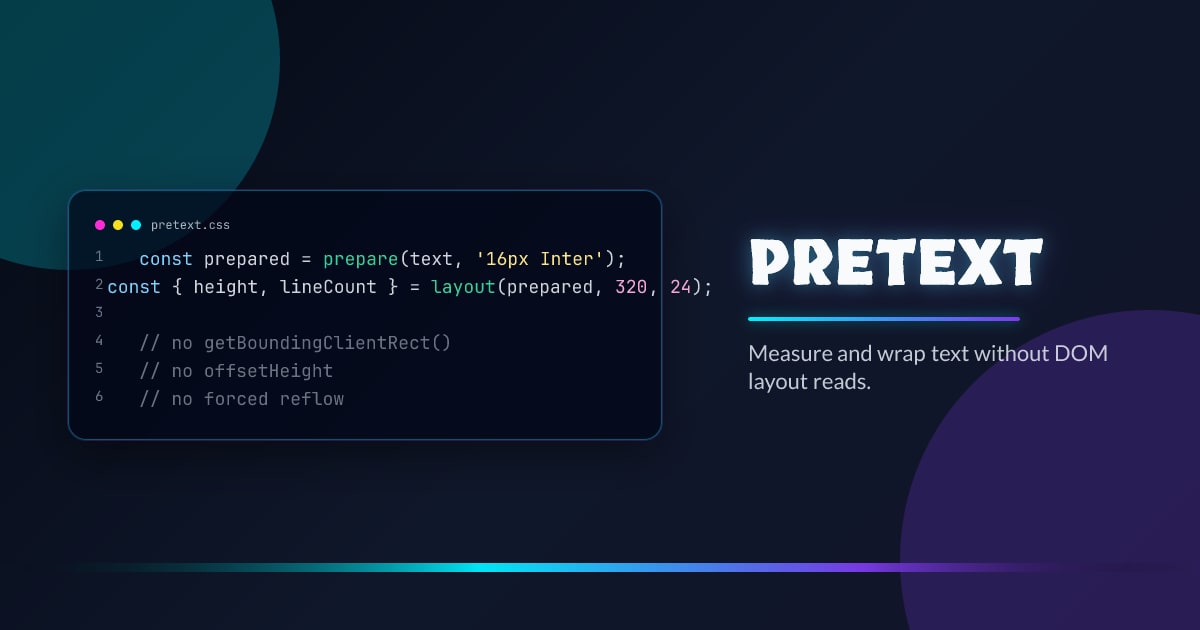
const { height, lineCount } = layout(prepared, 320, 24);
prepare() is the one-time pass. It normalizes whitespace, segments the string, measures text against the browser’s font engine, and returns an opaque cached handle.
layout() is the hot path. Give it a width and line height and it returns the wrapped height and line count as pure arithmetic. The important pattern is simple: prepare once per text/font/config, then rerun only layout() when width changes.
Why This Is Useful
The obvious win is avoiding forced reflow loops. If your text measurement strategy is “write, read, write, read”, you are now coupled to the browser’s layout pipeline.
Pretext moves that question earlier. Instead of asking the DOM how tall some text became, you ask a precomputed text model how tall it will be at width N.
That is useful in a few places:
- virtualized lists that need exact row heights before mount
- canvas and SVG UIs that still want browser-accurate line breaking
- custom layout engines that need to test several widths cheaply
- scroll anchoring flows where late text expansion would otherwise cause layout shift
- browser-free validation in CI or agentic workflows where you want to catch overflow before rendering
It also makes iteration with AI tooling less annoying. A coding agent can ask deterministic layout questions without playing DOM whack-a-mole through a rendered page.
Resize Without Re-Preparing
const prepared = prepare(copy, "16px Inter");

const metrics = (width: number) => layout(prepared, width, 24);

const ro = new ResizeObserver(([entry]) => {
  const width = entry.contentRect.width;
  const next = metrics(width);
  element.style.height = `${next.height}px`;
});
This is the architectural shift that matters most. Width changes are normal. Re-tokenizing and re-measuring the same text every time is not.
If you are building pills, cards, masonry, or any component that reflows often, the “prepare once, lay out many times” split is the whole value proposition.
It Is More Than Height Measurement
Pretext gets more interesting when you move beyond “how tall is this paragraph?”
If you swap prepare() for prepareWithSegments(), the library gives you line-level primitives for manual layout. That means the same text model can power DOM, Canvas, SVG, WebGL, and eventually server-side rendering.
import { layoutNextLine, prepareWithSegments } from "@chenglou/pretext";

const prepared = prepareWithSegments(article, BODY_FONT);
let cursor = { segmentIndex: 0, graphemeIndex: 0 };
let y = 0;

while (true) {
  const width = y < imageBottom ? columnWidth - imageWidth : columnWidth;
  const line = layoutNextLine(prepared, cursor, width);
  if (line === null) break;

  drawLine(line.text, 0, y);
  cursor = line.end;
  y += 26;
}
That line-by-line API is what makes Pretext feel different from a thin measurement helper. It is a text layout engine for people building their own rendering surfaces. The same primitives can route text around figures, side notes, pull quotes, or any other obstacle where each row has a different usable width.
Shrink-Wrap and Balance Text Without Guessing
One detail from the API that stands out is the line-range walker. It lets you test widths without rebuilding the paragraph in the DOM, which is exactly what you want for shrink-wrap and balance-style layout decisions.
import { prepareWithSegments, walkLineRanges } from "@chenglou/pretext";

const prepared = prepareWithSegments(headline, "700 28px Inter");
let widest = 0;
let lineCount = 0;

walkLineRanges(prepared, 420, (line) => {
  lineCount++;
  widest = Math.max(widest, line.width);
});
That gives you the tightest width that still fits the wrapped result, which is a capability the platform still does not expose cleanly for multiline HTML text.
The International Text Story Is a Big Deal
A lot of frontend text tooling quietly assumes Latin text, one font, and easy breakpoints. Pretext is clearly built by someone who cared about the ugly cases:
- grapheme-aware breaking instead of naive string slicing
- bidi-aware segmentation for mixed-direction content
wordBreak: "keep-all"support for CJK and HangulwhiteSpace: "pre-wrap"support when textarea-like spacing must stay visible
That matters because the browser already knows how your font shapes real text. Pretext leans on that ground truth instead of reimplementing text metrics from scratch in userland.
Where The Boundaries Still Are
Pretext is not pretending to be a full CSS inline formatting engine. That is a good thing, because libraries that claim to fully emulate browser layout usually turn into half-browsers with weird edge cases.
Its current scope is narrower:
white-space: normalandpre-wrapword-break: normalandkeep-alloverflow-wrap: break-wordline-break: auto- caller-owned
lineHeight
There are a few practical caveats too:
- use a named font instead of
system-uiif you care about accuracy on macOS - the manual-layout APIs operate on measured line ranges, not exact per-glyph x positions
- rich inline content exists, but the helper is intentionally narrow and not a nested rich-text tree engine
That tradeoff looks right to me. The library is focused enough to be fast and honest, but broad enough to unlock real products.
When I Would Reach For It
I would not use Pretext for a normal marketing page where CSS already solves the problem. I would use it when text layout becomes application logic:
- a whiteboard or canvas editor
- virtualized chat or activity feeds with variable-height copy
- SVG labeling systems
- custom cards that need deterministic pre-measurement
- browser tests or AI-generated UI flows where exact text fit matters before render
If your current solution depends on measuring hidden DOM nodes and praying the cache stays warm, this is the kind of library that can remove an entire class of hacks.
Bottom Line
Pretext is interesting because it treats multiline text layout as data, not as a side effect of painting the page. That makes it faster in hot paths, more portable across rendering targets, and much easier to compose into systems that cannot afford layout thrash.
The browser already knows how to shape the text. Pretext packages that knowledge into an API you can actually build with.




