






React DevTools Profiler
The React DevTools Profiler records render timing for every component across an interaction. It’s the primary tool for finding what’s slow and why.
Setup
Install the React DevTools browser extension for Chrome or Firefox. Open DevTools → “Profiler” tab.
Recording a Profile
- Click the record button (circle) in the Profiler panel
- Perform the interaction you want to measure (click, type, navigate)
- Click stop
The Profiler shows a flamegraph of every render that occurred during the recording.
Reading the Flamegraph
Each bar represents a component. Width represents render time. Color encodes relative cost:
- Gray — component did not render during this commit
- Blue/Green — rendered (faster)
- Yellow/Red — rendered (slower, relative to others in the commit)
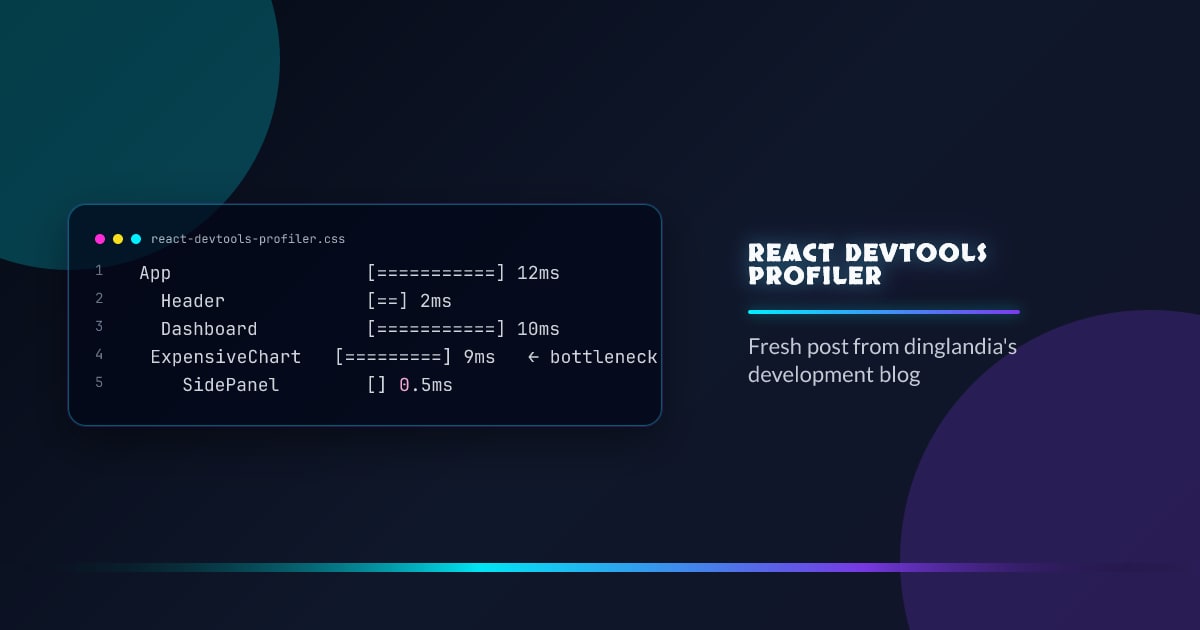
App                  [===========] 12ms
  Header             [==] 2ms
  Dashboard          [===========] 10ms
    ExpensiveChart   [=========] 9ms   ← bottleneck
    SidePanel        [] 0.5ms
Click any bar to see why it rendered.
“Why Did This Render?”
Enable “Record why each component rendered” in Profiler settings. For each rendered component, the panel shows:
- Props changed — which specific props changed
- State changed — which state hook triggered the update
- Context changed — which context value changed
- Parent re-rendered — parent re-rendered but this component had no own changes
Ranked Chart
Switch to Ranked view. Components are sorted by render duration — slowest at top. Useful for quickly finding the single most expensive component without navigating the tree.
Commit Timeline
The top bar shows each commit (a batch of DOM updates) as a circle. Taller = longer. Click a circle to inspect that commit’s component tree.
What to Look For
Components that render too often:
- Same component appearing across many commits
- Renders where “parent re-rendered” is the only reason (not using its own state/context)
- Fix: wrap in
React.memo
Expensive renders:
- Wide bars in the flamegraph
- Heavy computation during render (sorting, filtering large arrays)
- Fix:
useMemofor the computation, virtualization for long lists
Cascade re-renders:
- One state change causes unrelated subtrees to re-render
- Fix: colocate state, split context, add selectors
Profiling Production Builds
DevTools Profiler is stripped from production builds by default. To profile production:
// vite.config.js
resolve: {
  alias: {
    'react-dom': 'react-dom/profiling',
  }
}



