






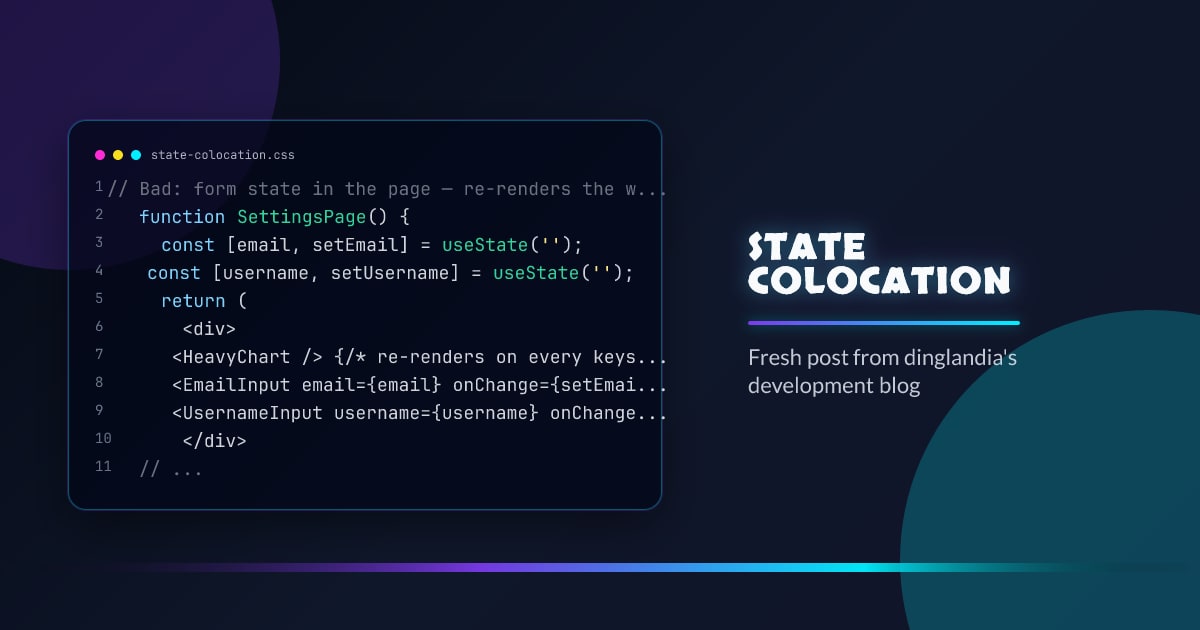
State Colocation Strategy
State colocation means putting state as close to where it’s used as possible. It’s the counterpart to lifting state — you lift when necessary, but colocate by default.
Why It Matters
State high in the tree causes more components to re-render when it changes. State at the leaf level means only that leaf re-renders.
// Bad: form state in the page — re-renders the whole page on every keystroke
function SettingsPage() {
  const [email, setEmail] = useState('');
  const [username, setUsername] = useState('');
  return (
    <div>
      <HeavyChart /> {/* re-renders on every keystroke */}
      <EmailInput email={email} onChange={setEmail} />
      <UsernameInput username={username} onChange={setUsername} />
    </div>
  );
}

// Good: form state colocated in the form component
function SettingsPage() {
  return (
    <div>
      <HeavyChart /> {/* unaffected by form state */}
      <SettingsForm />
    </div>
  );
}

function SettingsForm() {
  const [email, setEmail] = useState('');
  const [username, setUsername] = useState('');
  return (...);
}
The Colocation Decision Tree
- Used only in one component? → put it there
- Used in a few adjacent siblings? → lift to their common parent
- Used across many unrelated components? → context or an external store
UI State vs Server State
UI state (modals, selected tabs, hover) — colocate at the component or feature level.
Server state (fetched data, cache) — libraries like React Query or SWR handle sharing and caching automatically. Don’t duplicate it in component state.
Avoid Derived State
// Bad: totalPrice must be kept in sync with items manually
const [items, setItems] = useState([]);
const [totalPrice, setTotalPrice] = useState(0);

// Good: derive from the source of truth
const [items, setItems] = useState([]);
const totalPrice = items.reduce((sum, item) => sum + item.price, 0);
Derived state creates synchronization problems. Compute inline or with useMemo.
Colocation with Custom Hooks
Group related state into a custom hook at the right level:
function useCartState() {
  const [items, setItems] = useState([]);
  const addItem = useCallback((item) => setItems((s) => [...s, item]), []);
  const removeItem = useCallback(
    (id) => setItems((s) => s.filter((i) => i.id !== id)),
    [],
  );
  const total = useMemo(() => items.reduce((s, i) => s + i.price, 0), [items]);
  return { items, addItem, removeItem, total };
}
Keep the hook at the level where the cart lives — not at the app root unless the cart is needed everywhere.




