






WebVTT
WebVTT is easy to underestimate because people file it mentally under subtitles and move on. Interop 2026 is a good reminder that timed text is broader than captions: chapters, metadata cues, and synchronized UI state all ride on the same primitive.
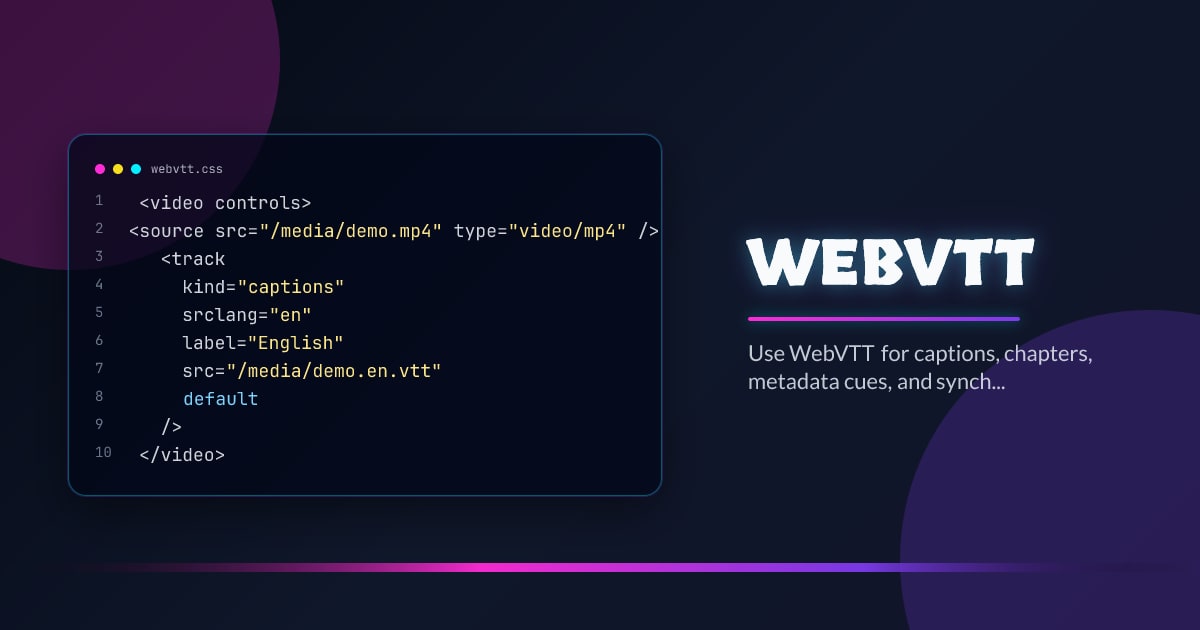
<video controls>
  <source src="/media/demo.mp4" type="video/mp4" />
  <track
    kind="captions"
    srclang="en"
    label="English"
    src="/media/demo.en.vtt"
    default
  />
</video>
More Than Subtitles
Use WebVTT for captions and subtitles, but also for chapter navigation, transcript syncing, slide changes, and metadata-driven experiences that should stay aligned with playback time.
Authoring Rules Matter
Keep cues short, align them with real speech or event boundaries, and use regions or cue settings only when they help comprehension. Timed text that technically exists but is hard to follow is still a product failure.
Accessibility Is the Baseline Benefit
Captions are the obvious win, but consistent track behavior also helps search, localization, summaries, and richer media controls. Once the track data is dependable, more product features can build on it.
Production Tip
Treat VTT files as content assets that deserve review, versioning, and QA. The browser can render the track, but only your pipeline can guarantee the timing and language quality are actually good.
Browser support snapshot
Live support matrix for webvtt from
Can I Use.
Show static fallback image

Source: caniuse.com




