






CSS Anchor Positioning
Anchor positioning turns floating UI into a follow-the-leader problem. The trigger declares an anchor, and the thing that follows reads that anchor instead of running its own measurement loop.
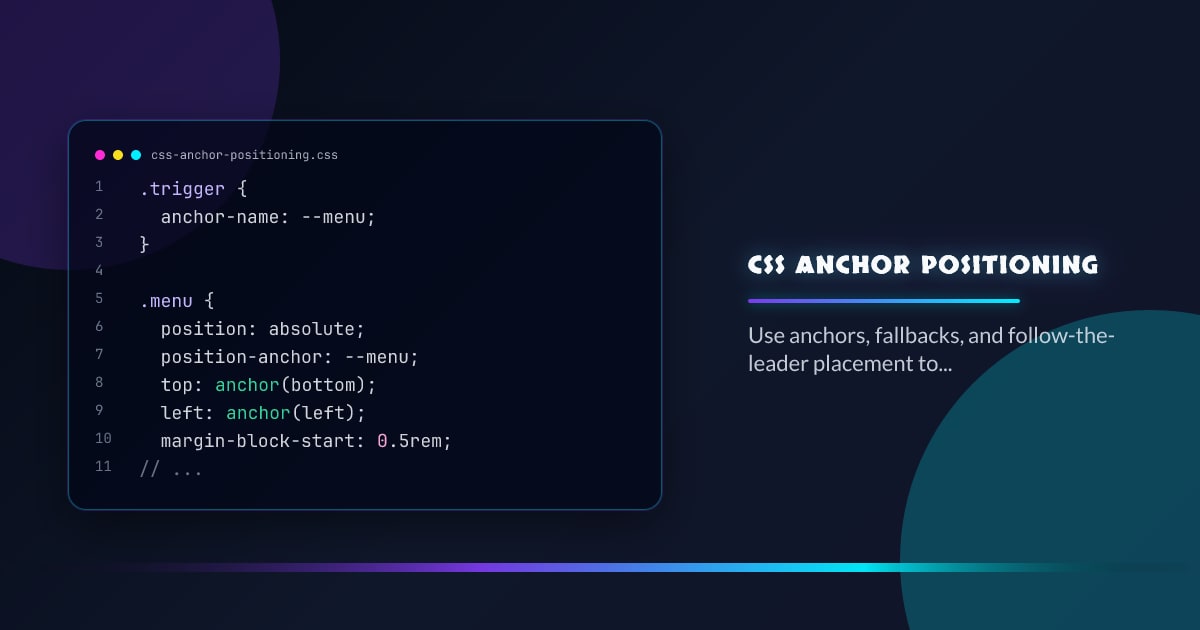
.trigger {
  anchor-name: --menu;
}

.menu {
  position: absolute;
  position-anchor: --menu;
  top: anchor(bottom);
  left: anchor(left);
  margin-block-start: 0.5rem;
  position-try-fallbacks: flip-block, flip-inline;
}
The Follow-the-Leader Mental Model
Treat the anchor as the leader and the overlay as the follower. When layout shifts, wrapping changes, or writing mode flips, the follower keeps reading the leader instead of freezing the coordinates from some earlier getBoundingClientRect() call.
Best Fits
This is strongest for tooltips, dropdowns, combobox panels, teaching overlays, and any popover that should stay visually attached to a control. It pairs especially well with native popovers because CSS owns placement while HTML owns dismiss behavior.
Collision Handling Matters
Anchor APIs reduce positioning code, but they do not eliminate the need for strategy. Use fallback positions, conservative max sizes, and internal scrolling when space is tight. The goal is less JavaScript math, not zero layout thinking.
Progressive Enhancement
Keep a basic absolute-positioned fallback and upgrade with @supports (position-anchor: --x) and (top: anchor(bottom)). That gives you a resilient baseline while Interop 2026 tightens engine behavior around anchors, fallback resolution, and related placement features.
Browser support snapshot
Live support matrix for css-anchor-positioning from
Can I Use.
Show static fallback image

Source: caniuse.com




