






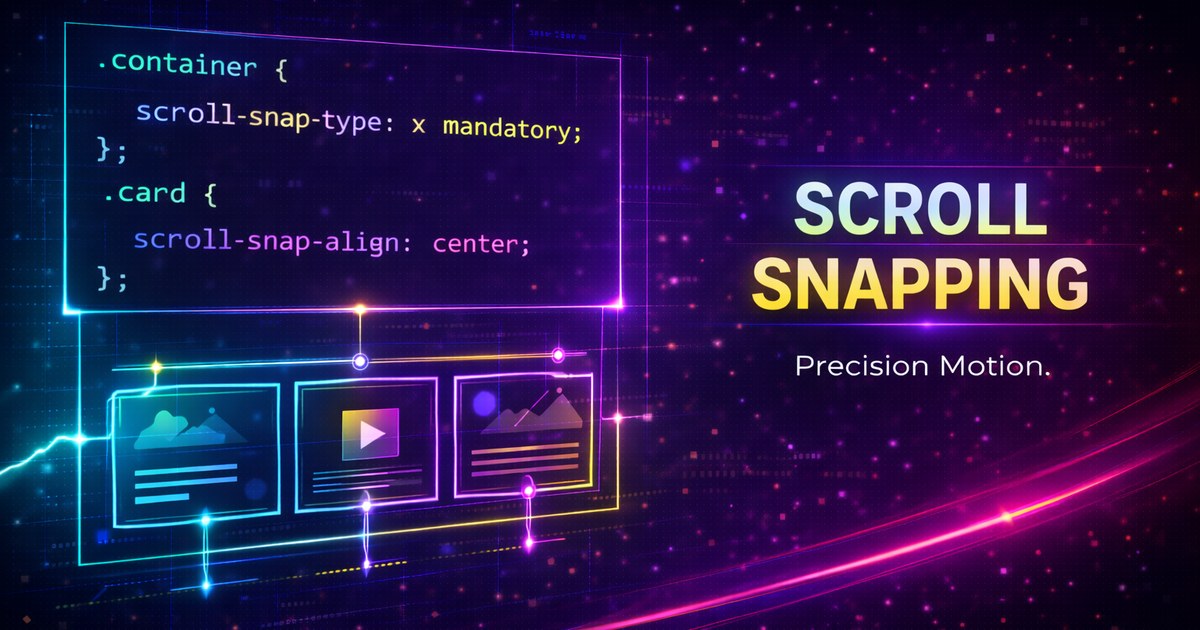
CSS Scroll Snap
Scroll snap is one of those platform features that only looks simple until you ship it at scale. Interop 2026 matters because snapped experiences feel great only when touch, wheel, keyboard, and programmatic scrolling all agree about where the UI should land.
.carousel {
  display: grid;
  grid-auto-flow: column;
  grid-auto-columns: 85%;
  gap: 1rem;
  overflow-x: auto;
  scroll-snap-type: x proximity;
  scroll-padding-inline: 1rem;
}

.slide {
  scroll-snap-align: start;
}
Choose proximity Before mandatory
Start with proximity unless the surface is truly page-like. mandatory can feel great for a full-screen onboarding flow, but it is easy to make a normal content scroller feel trapped or fight the user when velocity is high.
Padding and Focus Matter as Much as the Snap Point
Use scroll-padding so the snapped position respects fixed headers or visual gutters. Make snapped items keyboard reachable and avoid designs that only work for drag gestures or wheel scrolling.
Do Less JavaScript
Let CSS own the settling behavior. Use JavaScript only for optional affordances such as previous and next buttons, state indicators, or analytics. When the browser owns the actual snap math, the component ages better.
Where It Belongs
Use scroll snap for carousels, paged article rails, filmstrips, and editor panes with discrete panels. Do not force it onto long-form reading or dense data tables where free scrolling is the point.
Browser support snapshot
Live support matrix for css-snappoints from
Can I Use.
Show static fallback image

Source: caniuse.com




