






Scroll Timeline Animations: Motion Driven by Reading Progress
Scroll timelines let animations progress based on scroll position instead of elapsed time.
This makes effects feel tied to user intent, not autoplay noise.
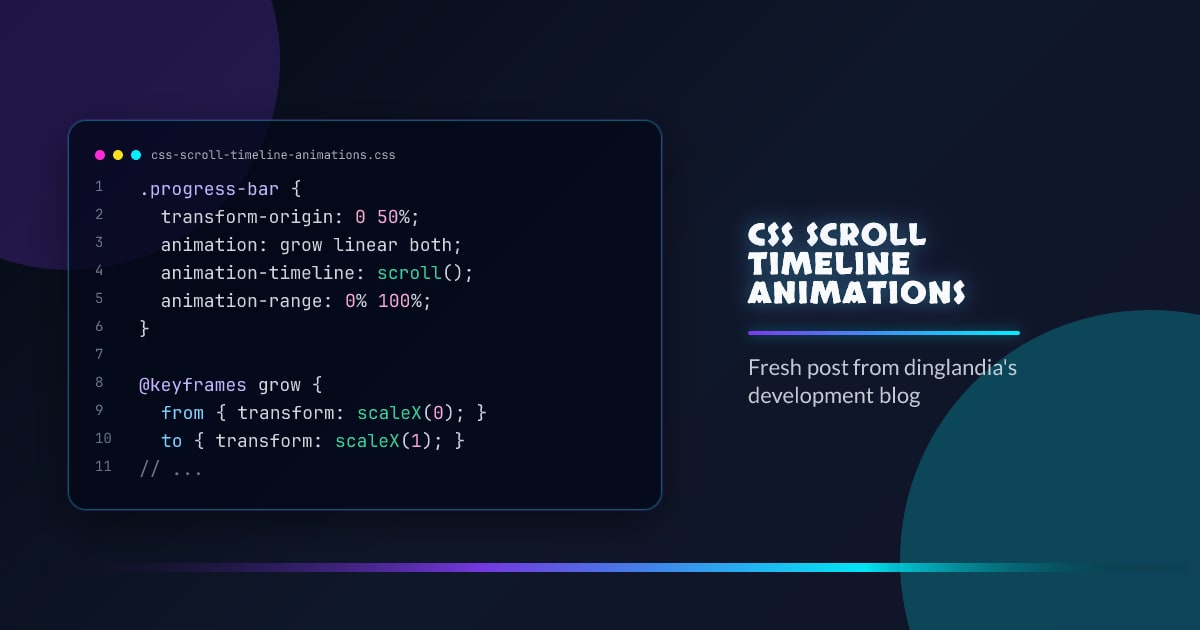
.progress-bar {
  transform-origin: 0 50%;
  animation: grow linear both;
  animation-timeline: scroll();
  animation-range: 0% 100%;
}

@keyframes grow {
  from {
    transform: scaleX(0);
  }
  to {
    transform: scaleX(1);
  }
}
Scroll vs View Timelines
scroll()maps progress to the scroller’s position.view()maps progress to an element entering/leaving the viewport.
.feature-card {
  animation: reveal both linear;
  animation-timeline: view();
  animation-range: entry 15% cover 35%;
}

@keyframes reveal {
  from {
    opacity: 0;
    transform: translateY(16px);
  }
  to {
    opacity: 1;
    transform: translateY(0);
  }
}
Pattern: Section-Linked Navigation
.toc-indicator {
  animation: track linear both;
  animation-timeline: --article;
}

article {
  scroll-timeline-name: --article;
  scroll-timeline-axis: block;
}
This can drive progress indicators without scroll event handlers.
Performance Notes
- Prefer transform/opacity animations.
- Keep animated layers small and intentional.
- Respect reduced motion to avoid fatigue.
@media (prefers-reduced-motion: reduce) {
  .progress-bar,
  .feature-card,
  .toc-indicator {
    animation: none;
  }
}
Conclusion
Scroll timeline animations create motion that follows content flow.
Use them to reinforce structure, not distract from reading.
Browser support snapshot
Live support matrix for web-animation from
Can I Use.
Show static fallback image

Source: caniuse.com




