






Invokers API: Declarative UI Commands in HTML
The Invokers API introduces declarative command wiring with command and commandfor.
Instead of hand-binding every trigger in JavaScript, controls can point at targets directly.
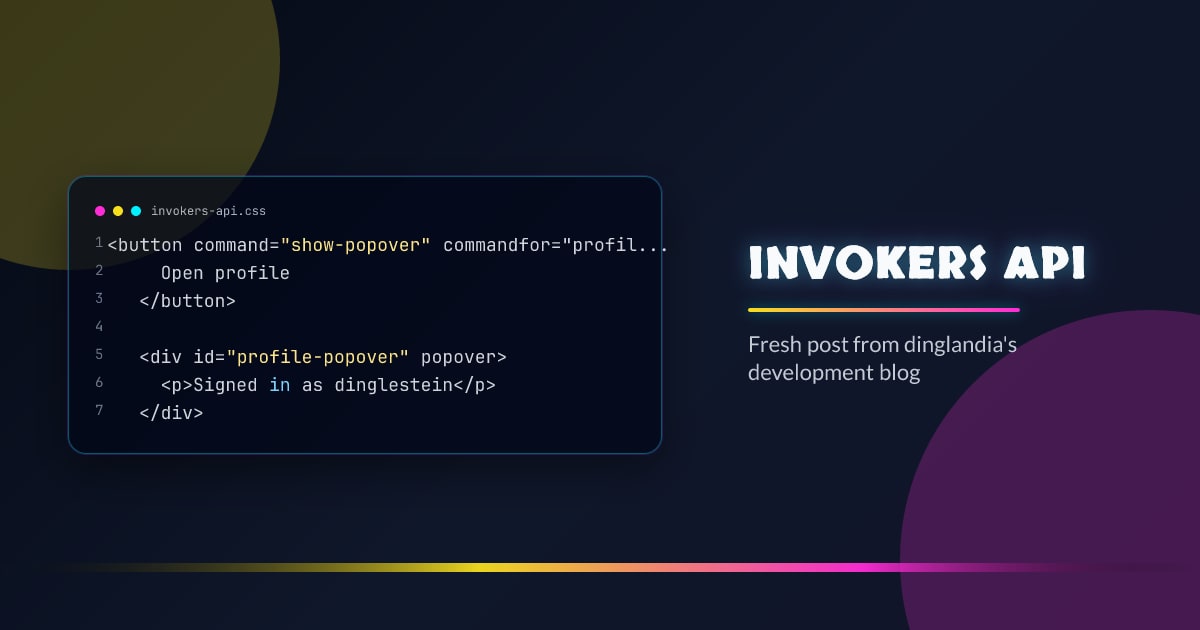
<button command="show-popover" commandfor="profile-popover">
  Open profile
</button>

<div id="profile-popover" popover>
  <p>Signed in as dinglestein</p>
</div>
Why This Is Useful
- less imperative glue code for common interactions
- easier to scan behavior from markup
- pairs well with Popover API and dialog patterns
Command-Driven Dialog Control
<button command="show-modal" commandfor="settings-dialog">Settings</button>
<button command="close" commandfor="settings-dialog">Close</button>

<dialog id="settings-dialog">
  <h2>Preferences</h2>
</dialog>
This keeps basic lifecycle actions in HTML where possible.
Progressive Enhancement Guard
const supportsInvokers = "commandForElement" in HTMLButtonElement.prototype;

if (!supportsInvokers) {
  // Fallback wiring for unsupported browsers.
  document
    .querySelector('[data-open="settings"]')
    ?.addEventListener("click", () =>
      document.getElementById("settings-dialog")?.showModal(),
    );
}
Practical Guidance
- Keep command-driven UI actions simple and semantic.
- Reserve custom JS for analytics, async work, and complex state.
- Test keyboard and assistive technology flows exactly as rendered.
Pitfalls
- duplicating behavior in both declarative and imperative layers
- forgetting fallback behavior when support is missing
- using command wiring for business logic that belongs in app code
Conclusion
Invokers API shifts simple interaction wiring back into HTML.
Use it to reduce complexity and keep behavior easier to reason about.
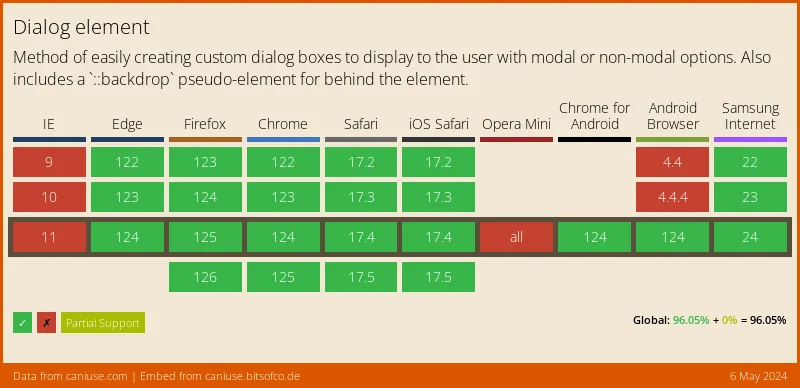
Browser support snapshot
Live support matrix for popover from
Can I Use. Can I Use Embed does not currently expose popover directly, so this
chart uses dialog as the closest available
proxy.
Show static fallback image
Source: caniuse.com




