






CSS Shapes with clip-path
Shape work in Interop 2026 is about making clipped interfaces feel less experimental and more dependable. clip-path is already useful today for masks, angled sections, badges, and reveals, but teams only trust it when geometry and animation behave consistently across engines.
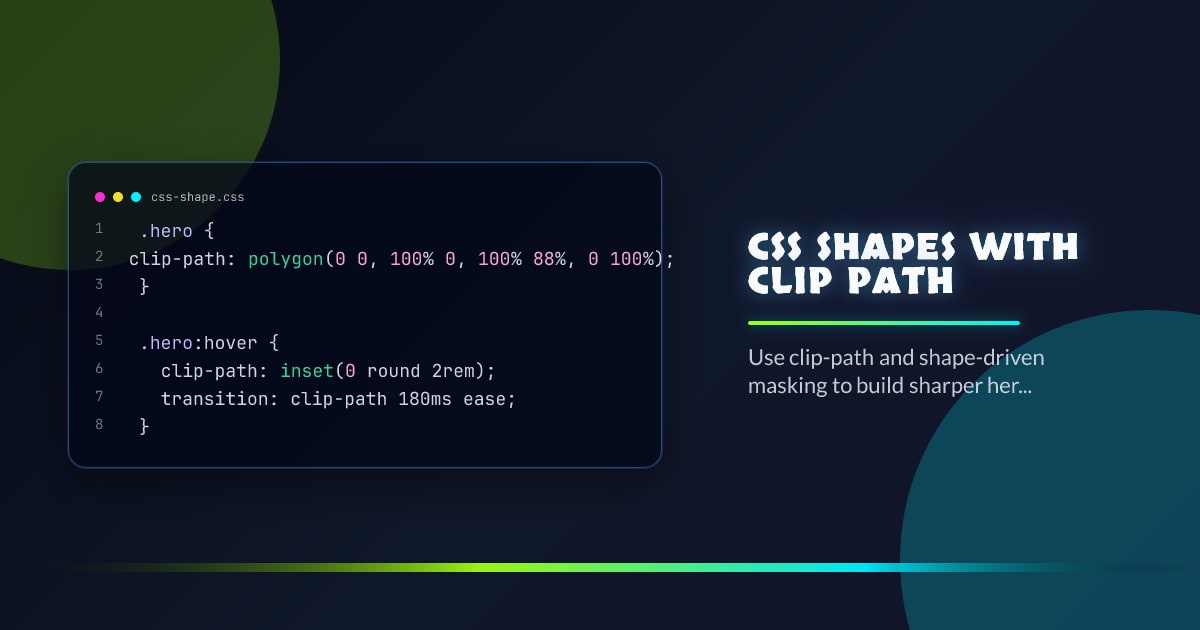
.hero {
  clip-path: polygon(0 0, 100% 0, 100% 88%, 0 100%);
}

.hero:hover {
  clip-path: inset(0 round 2rem);
  transition: clip-path 180ms ease;
}
Where It Pulls Its Weight
Use clip-path when the visual shape belongs to the component contract: slanted hero edges, masked avatars, spotlight reveals, and clipped media cards. It is a styling primitive, not a replacement for every illustration asset.
Animation Rules Still Apply
Keep transitions short and keep the shape simple enough that repaints stay cheap. Fancy geometry is not automatically a performance bug, but complicated animated clipping can become one if you treat it like free decoration.
Fallbacks Are Easy to Define
Your fallback is usually the unclipped rectangle. That is a good trade. Start from a visually acceptable box, then upgrade the surface with clipping where support is solid enough for the product context.
Think in Systems
Once shapes are reliable, they stop being one-off art direction and become reusable tokens in a design system. That is where interop work pays off: the shape vocabulary can graduate from demo code to production UI.
Browser support snapshot
Live support matrix for css-clip-path from
Can I Use.
Show static fallback image

Source: caniuse.com




