






CSS @starting-style: Clean Entry Transitions for New UI
@starting-style lets you define the pre-animation state for elements that are inserted or toggled into view.
It solves the “first frame pop” problem where transitions don’t have a valid starting value.
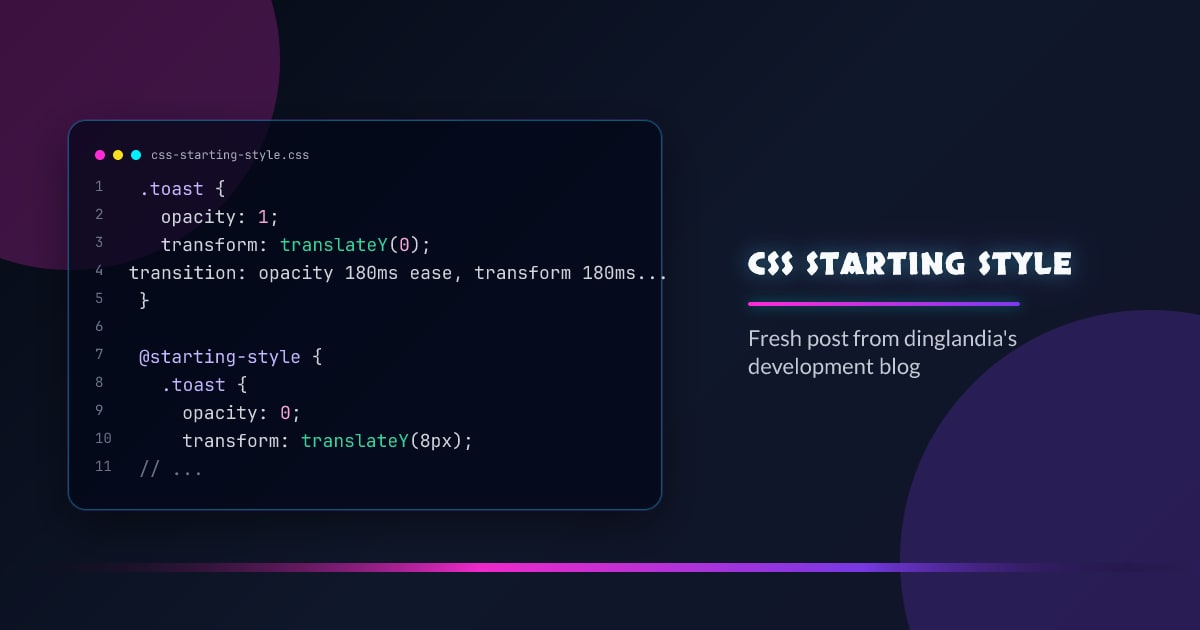
.toast {
  opacity: 1;
  transform: translateY(0);
  transition:
    opacity 180ms ease,
    transform 180ms ease;
}

@starting-style {
  .toast {
    opacity: 0;
    transform: translateY(8px);
  }
}
Why It Matters
- smoother enter transitions for dialogs, toasts, and cards
- less JS setup for initial animation states
- easier composition with view/state toggles
Modal Example
dialog[open] {
  opacity: 1;
  transform: scale(1);
  transition:
    opacity 150ms ease-out,
    transform 150ms ease-out;
}

@starting-style {
  dialog[open] {
    opacity: 0;
    transform: scale(0.96);
  }
}
No extra “is-entering” class is required for this baseline animation.
Pair With Reduced Motion
@media (prefers-reduced-motion: reduce) {
  .toast,
  dialog[open] {
    transition: none;
  }
}
Practical Usage Rules
- Use it for entry transitions, not long decorative animations.
- Keep durations short (120ms-220ms for UI surfaces).
- Combine with semantic state selectors you already trust.
Pitfalls
- assuming it replaces all animation orchestration
- forgetting that unsupported browsers need reasonable non-animated fallback
- overusing scale/blur and making interfaces feel jittery
Conclusion
@starting-style gives you cleaner entry motion with less scaffolding.
Use it where components appear, and keep motion intentional.
Browser support snapshot
Live support matrix for css-transitions from
Can I Use.
Show static fallback image

Source: caniuse.com




