






Scroll-Driven Animations
Scroll-driven animations work because the browser owns the timeline. Instead of listening to scroll and translating pixels into animation state yourself, you bind animation progress directly to scroll or visibility and let the engine do the bookkeeping.
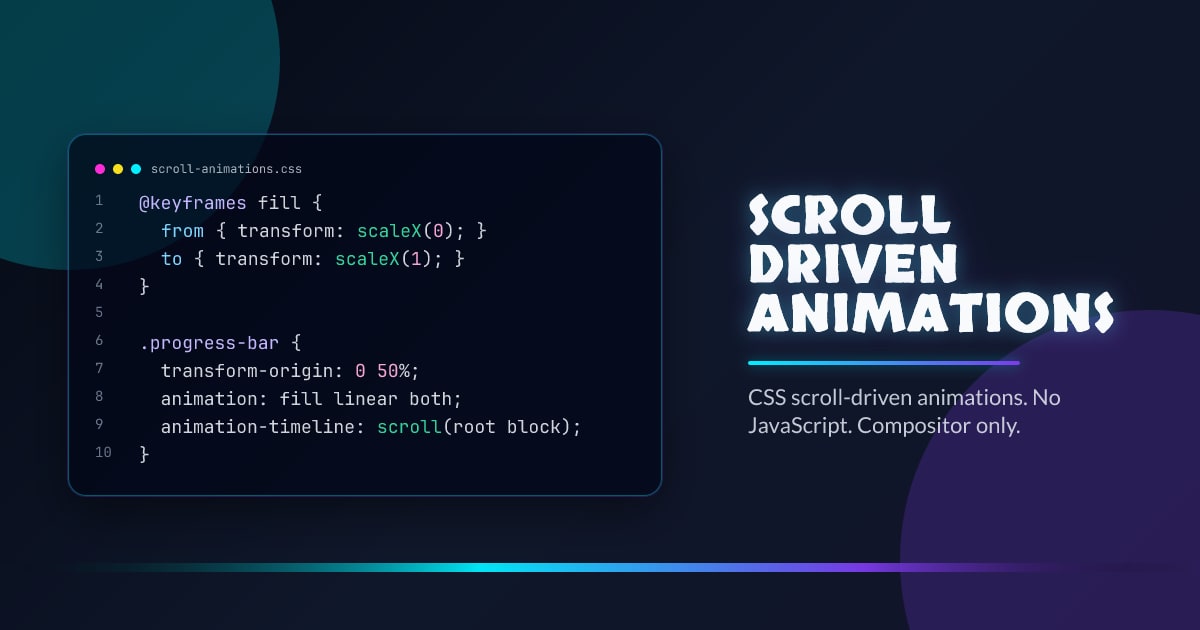
@keyframes fill {
  from {
    transform: scaleX(0);
  }
  to {
    transform: scaleX(1);
  }
}

.progress-bar {
  transform-origin: 0 50%;
  animation: fill linear both;
  animation-timeline: scroll(root block);
}
Pick the Right Timeline
Use scroll() when animation progress should match the scroller itself, like a reading progress bar. Use view() when animation progress should follow a specific element entering or leaving the viewport. That split keeps intent obvious.
Stay on Compositor-Friendly Properties
Animate transform, opacity, filter, or careful clip-path changes. Scroll-driven timelines do not magically rescue layout-thrashing properties. If the property triggers layout every frame, the animation still costs you.
Fallbacks Are Still Straightforward
Use @supports (animation-timeline: view()) to upgrade and keep a static or IntersectionObserver-powered version for older browsers. The progressive enhancement story is good precisely because the browser-managed path does not require a different component structure.
Interop 2026 Focus
The current work is about smoothing behavior across engines so teams can ship scroll-linked motion without caveats scattered through every demo. That is the difference between a neat feature and a design-system primitive.
Browser support snapshot
Live support matrix for wf-scroll-driven-animations from
Can I Use.
Show static fallback image

Source: caniuse.com




